
Virtline archive
Digital documents and remote work
This archive preserves two articles first published in 2024. One covers the move from paper to secure electronic documents; the other explains the devices, access controls and support required by remote teams.
Trusted by
Companies and institutions that need stable IT.








































How to read archived material
The retained publication date explains the original context. Older forecasts and examples are clearly identified as historical, while recommendations for access, devices, backup and maintenance are written for current business environments.
Source
Paper or electronic documents?
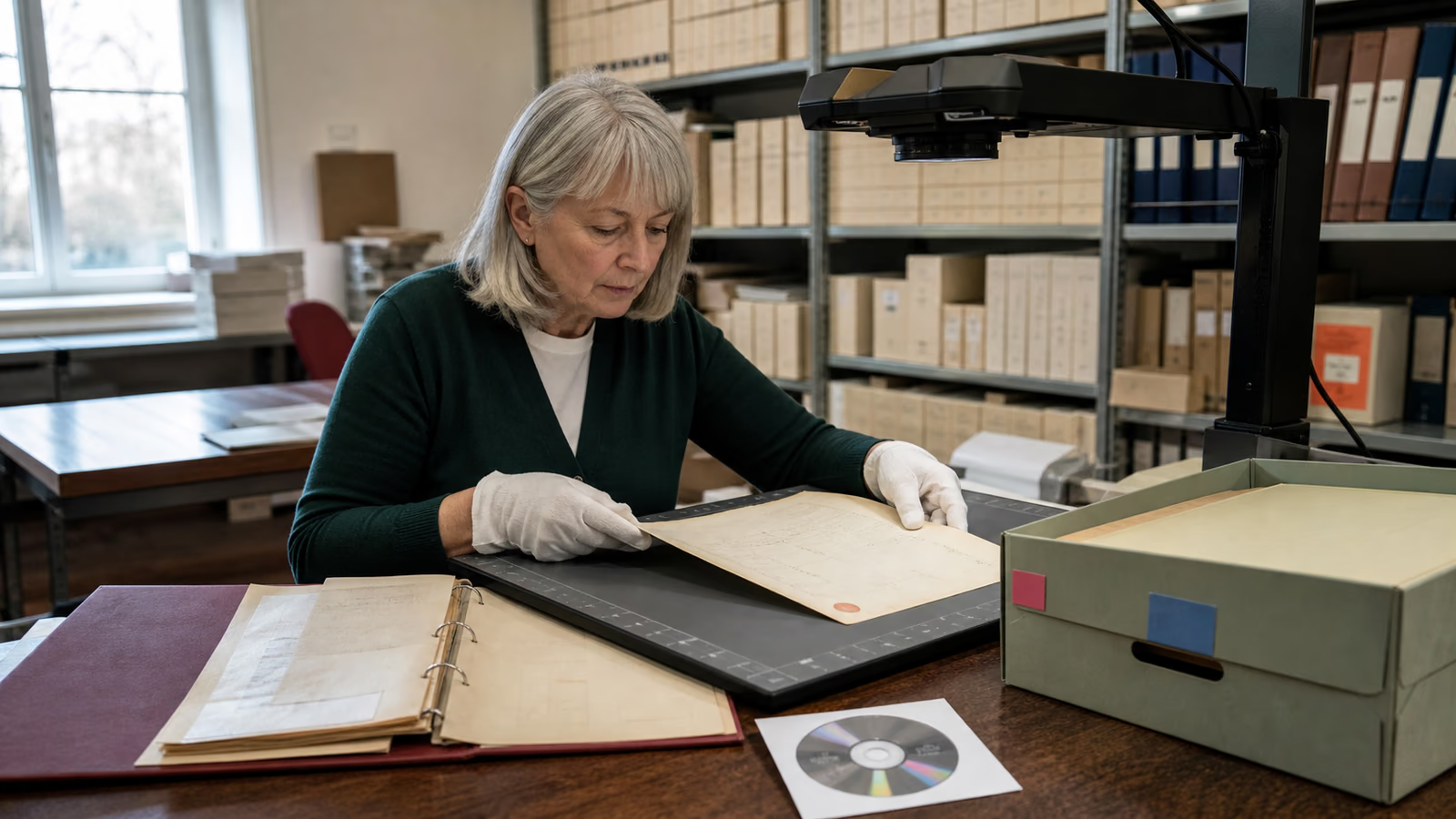
The archived materials cover electronic documents and historical remote-work forecasts. The forecast dates do not indicate current market data.
Open sourceSource
Remote workers are increasingly common
Historical remote-work forecasts are not presented as current market statistics. Current implementation decisions should be confirmed against the organisation's environment and requirements.
Open sourceTwo perspectives on digital work
Two articles on electronic document workflows and remote working. Read historical forecasts in the context of their publication dates.
Articles in this archive
Paper or electronic documents?
A comparison of paper, scans and digitally created documents, including access, backup and secure workflow rules.Remote workers are increasingly common
The historical development of remote work and today's standard for devices, access, protection, backup and helpdesk support.A route to controlled electronic documents
Start with a map of documents and owners, then choose a repository, organise access and verify backup. Only after that should scanning and digital workflows expand to further departments.
A route to reliable remote and hybrid work
Organise accounts and devices first, followed by application access and user support. The operating model should work consistently at home and in the office, without private exceptions outside IT control.
Complete remote-work guide
Devices, access, endpoint protection, backup, audits and day-to-day support.Home-office solutions
VPN, Microsoft 365, telephony, devices and a secure model for working away from the office.IT outsourcing
Ongoing helpdesk, administration, monitoring, updates and service-quality reporting.Practical scope
What electronic documents and remote work have in common
Convenience in both areas depends on control. A file available from anywhere and a user working away from the office both need reliable identity, a managed device, structured permissions and a tested copy of business data.
One approved repository instead of copies in private mailboxes and desktop folders.
MFA and access based on role, department and a genuine business need.
Managed devices, updates, endpoint protection and a lost-device procedure.
Backup, job monitoring and a tested restore after an error or incident.
Helpdesk support and a clear route for reporting problems without bypassing safeguards.
Related knowledge and services
When a topic needs wider context, continue to Virtline's current guides and service pages. They connect an individual issue with the security and operating model of the complete IT environment.
-
Knowledge centre
Articles about security, compliance, cloud services, infrastructure and IT operations.
-
Cybersecurity
Audits, account and device protection, testing, monitoring and incident response.
-
IT services for business
Helpdesk, administration, implementation, infrastructure maintenance and development projects.
Questions about the archive
Why are these two articles kept in a separate archive?
+
This archive brings together two articles about documents and remote working. They help compare access controls, device protection and backups; market forecasts must be read in the context of the period they describe.
Are the remote-work figures current statistics?
+
No. Forecasts for 2021–2022 are explicitly presented as historical context from the source article, not as current market data.
Which article should I read first?
+
Start with the document comparison for paper, scans, access and backup. Choose the remote-work guide for devices, VPN, MFA and helpdesk topics.
Where can I find newer Virtline guides?
+
Visit /en/wiedza/ and the current pages for Microsoft 365, cybersecurity, home-office solutions and IT outsourcing.
Choose the right first step
We will determine whether you need an audit, pilot, implementation project or ongoing maintenance and helpdesk support.
Contact Virtline