
01
Assessment and design
We agree workstation numbers, modules, licences, integrations, roles, reports and a schedule. Organisational preparation for activity monitoring is agreed before it is enabled.
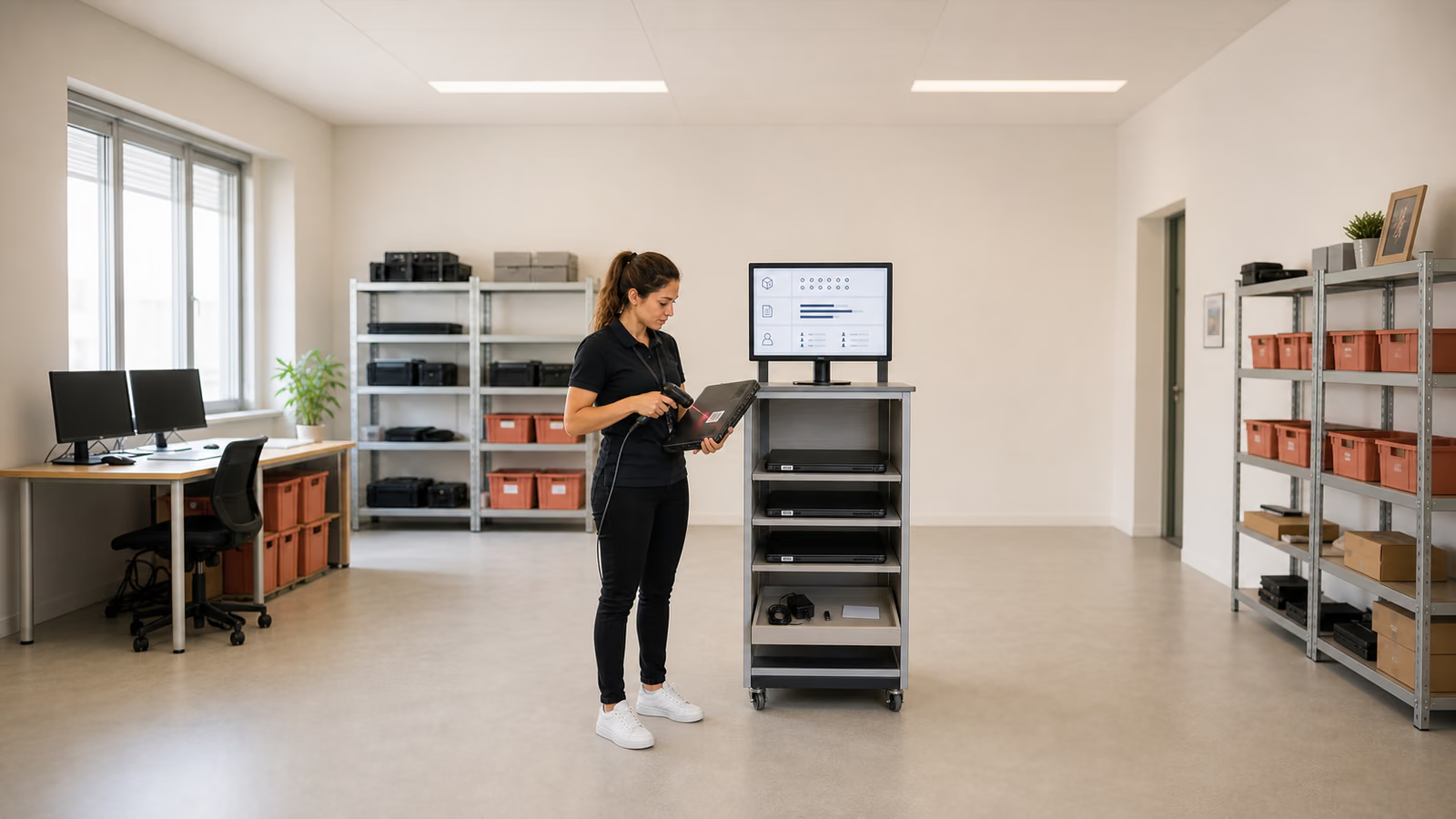
Statlook / IT asset management
We organise hardware, software and licence records and connect support tickets with IT assets. We select Statlook modules, install the server and agents, and configure roles and reports. We provide documentation and administrator training; ongoing support is agreed separately.
Trusted by








































Statlook combines asset inventory, activity monitoring, ticket handling and additional modules. The scope depends on organisational needs and licensing; not every function is enabled together. We assess suitability for the specific company or institution. Results depend on complete data, collection scope and assigned reviewers.
Statlook supports IT work but does not itself provide user support or administer your other systems.
TÜV NORD Polska has certified Virtline’s information security management system to PN-EN ISO/IEC 27001:2023-08. The published certificate states its scope and validity.
View Virtline’s certificateWe start with the agreed inventory, then introduce the remaining modules. Each stage has its own acceptance criteria.
We agree workstation numbers, modules, licences, integrations, roles, reports and a schedule. Organisational preparation for activity monitoring is agreed before it is enabled.
We install the server and database and deploy agents using methods supported by the selected version. We check the environment and initial inventory before choosing a method.
We configure groups, permissions, licence auditing, application categories, helpdesk and selected reports. We check data collection scope, retention periods and agreed connections to other systems.
We compare results with the criteria, discuss exceptions and provide documentation and training. We assign data and report owners; recurring support is agreed separately.
Practical scope
Acceptance is based on agreed data, configuration and reports. We identify missing devices, incomplete information and outstanding work.
Hardware, specifications, status, users, owners and change history. Warehouse organises receipts, issues and equipment assignments; we agree how these relate to IT fixed assets.
Installations, versions, usage, unused licences and costs. We assess update status using available data from devices within the project scope. We compare records with licence documentation to identify unauthorised installations, gaps and purchasing decisions.
Categories, owners, escalation, agreed response and resolution times (SLAs), a knowledge base and remote assistance. Tickets link to devices, users and change history. AI assistance is enabled only within the agreed scope and subject to the vendor’s conditions.
Configuration, roles, permissions, initial IT and management reports, and change records. We train administrators in the console, agents, helpdesk and report interpretation. We agree data quality reviews, responses to anomalies, a stabilisation plan and outstanding tasks with deadlines.
Monitoring may cover activity time, applications, websites, USB, printing and file operations. A feature’s availability does not automatically entitle an employer to use it. Before activation, we work with IT, HR and the data protection officer on purpose, necessary scope, report access, retention and employee communication. We provide a technical description for a data protection impact assessment (DPIA), where needed. The employer, as data controller, is responsible for assessing whether monitoring is lawful and establishing its rules in accordance with applicable legislation.
The GDPR module supports documentation, including records of processing activities and authorisations. Whistleblower handles reports, cases and records of action by designated staff. We configure roles and retention periods to reflect adopted procedures. A module alone does not ensure GDPR compliance. Reports may support ISO 27001, NIS2/KSC, DORA, KRI or KSB 315 reviews, but do not replace the relevant assessment.
We assess data from Active Directory/Entra ID and Microsoft 365: users, groups, structure, device assignments, subscriptions and application usage. We also establish requirements for sending logs to SIEM, tickets to IT service management tools and assets to ERP or fixed-asset records. We compare CSV/XML or API exchange requirements with the interfaces available in the specific version and target system; we do not assume every tool has a ready-made integration.
The deployment model described here uses a local or virtual server, a database and agents. We agree resource requirements, database backups, administrator access and installation methods. Complete reports require in-scope devices, working agents, available data and the right configuration. Purchasing a licence alone is not enough.
Agent count, modules, integrations, current inventory quality, access and acceptance reports. Even for projects covering 50–500 workstations, we confirm the schedule after assessment. We help select licensing and check public-sector or education terms, without assuming a fixed price or discount. Ongoing support is scoped and priced separately.
Tell us your workstation count, current inventory process, licence and helpdesk needs, and expected integrations and reports. We will agree modules, environment access and ongoing support. Do not send employee activity records or passwords.
Discuss Statlook deployment