
01
Environment review
We assess critical systems, volumes, data growth, performance, failures and backup test results. We agree service priorities and RPO/RTO requirements.
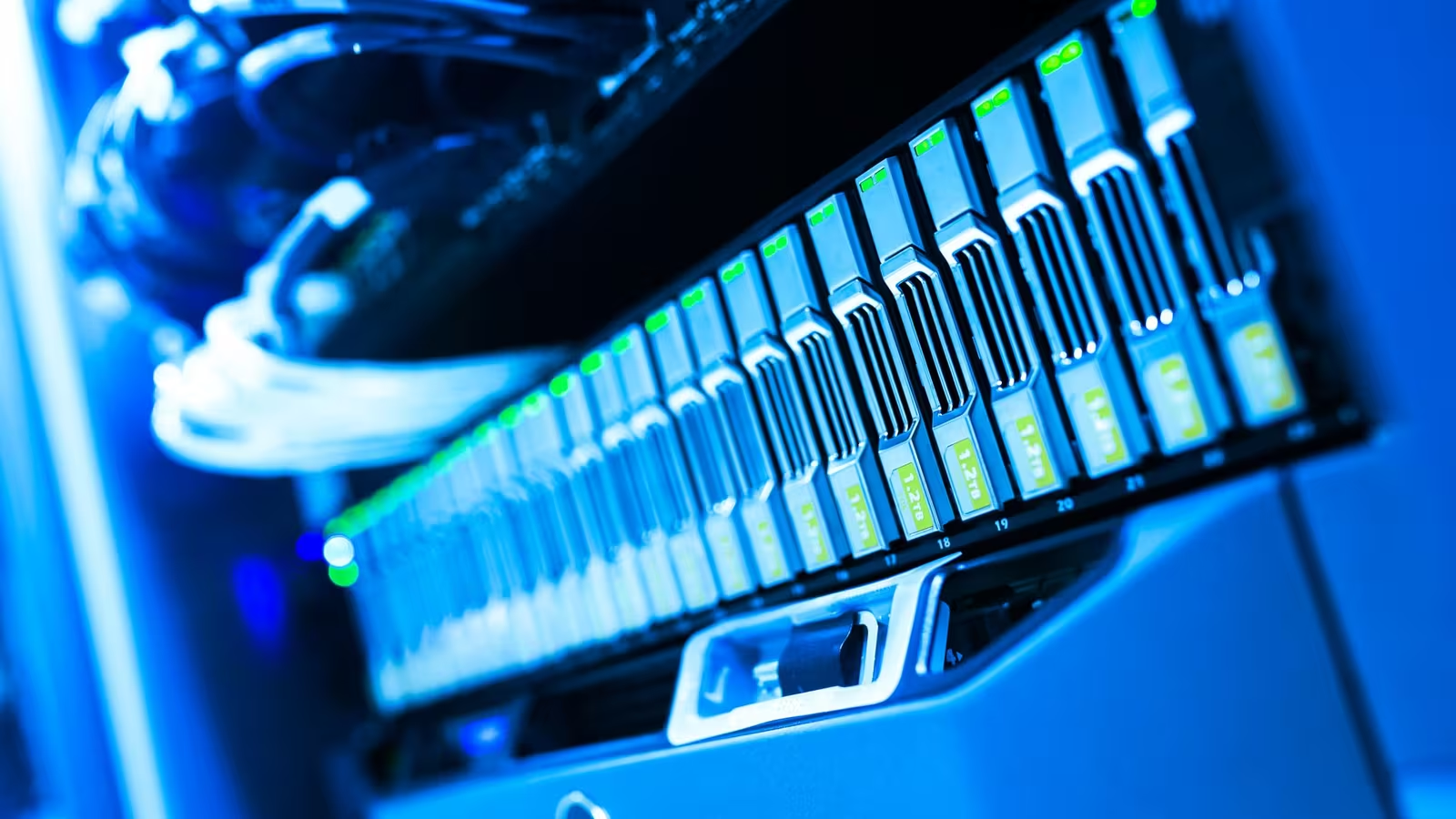
Storage for companies
We select and implement storage for virtual machines, databases, files and backup repositories. We assess workloads, data growth and service recovery requirements. The project covers configuration, migration, testing, documentation and a maintenance plan.
Trusted by








































An array provides storage for data and applications. A file server gives users access to documents and manages permissions, while backup supports recovery from a separate copy. We select NAS for file sharing or SAN for server access to disk resources, considering hybrid and all-flash storage. Dell PowerStore, PowerVault or another solution is chosen according to workloads, capacity, integrations, support and expansion costs. We consider user numbers, data types, VMware, Hyper-V, Active Directory, the storage network and existing backup systems.
An array is part of a wider environment. We agree which of these tasks the project includes and who handles the rest.
TÜV NORD Polska has certified Virtline’s information security management system to PN-EN ISO/IEC 27001:2023-08. The published certificate states its scope and validity.
View Virtline’s certificateWe agree the stages and acceptance criteria with service owners before changing the environment.
We assess critical systems, volumes, data growth, performance, failures and backup test results. We agree service priorities and RPO/RTO requirements.
We select the architecture, RAID, network, volumes, snapshots, replication, access and monitoring. We agree maintenance and backup windows, change approvals and migration rollback conditions.
We install the array, configure integrations and migrate data under the agreed plan. We check performance, backups and recovery of selected services, recording results and exceptions.
We provide documentation and train administrators. We agree post-launch reviews, retention adjustments, data growth checks and the scope of subsequent monitoring and support.
Practical scope
Documentation records the agreed assumptions, check results and limitations that require further decisions.
Current and forecast capacity, input/output operations per second (IOPS), latency and throughput. RAID, spare drives, controllers and power supply design, with an expansion and support plan.
Volumes, storage network, snapshots, replication, integrations and administrator accounts and roles. We record who approves changes and who owns each service.
Performance checks and recovery of selected data, shares or services. Results are assessed against acceptable data loss and recovery time, the RPO/RTO objectives; unmet conditions are recorded.
Scheduled reviews of alerts, capacity, backups and recovery, access rights and firmware. The plan covers warranties, replacements, support renewals, risks and expansion decisions.
We limit administrator accounts, organise passwords and roles, and agree multi-factor authentication (MFA), access separation and change logging. Off-array copies and recovery procedures address data deletion, logical errors and ransomware. Snapshots, replication and RAID do not replace this plan. After launch, we review actual workloads, backup times and data growth. Configuration, permissions, retention, firmware and warranty reviews are planned with the maintenance team. Ongoing monitoring and incident response are agreed separately; buying an array does not include round-the-clock administrator cover.
They serve different purposes. An array provides storage resources, a file server organises users’ access to shares, and backup enables recovery from a copy. NAS can provide file shares, but permissions, retention and backups still need to be planned.
A snapshot records data at a particular point in time and may help with recovery. It does not replace off-array copies or recovery tests. We agree retention, backup separation and a recovery procedure for loss of access to the entire array.
It depends on the applications, current architecture, data volume and available migration methods. Before work starts, we agree a maintenance window, tests and a rollback plan. We do not promise uninterrupted migration before reviewing the environment.
We can monitor capacity, disks, controllers, latency, IOPS, snapshots and replication status. We agree alerts, responders and configuration reviews. Maintenance scope, service hours, replacements and updates require a separate agreement.
Tell us your applications, data volume and growth rate. Describe current backups, virtualisation, performance issues and acceptable downtime. Recent recovery test results and warranty details are useful. Do not send passwords through the form.
Discuss your storage project