
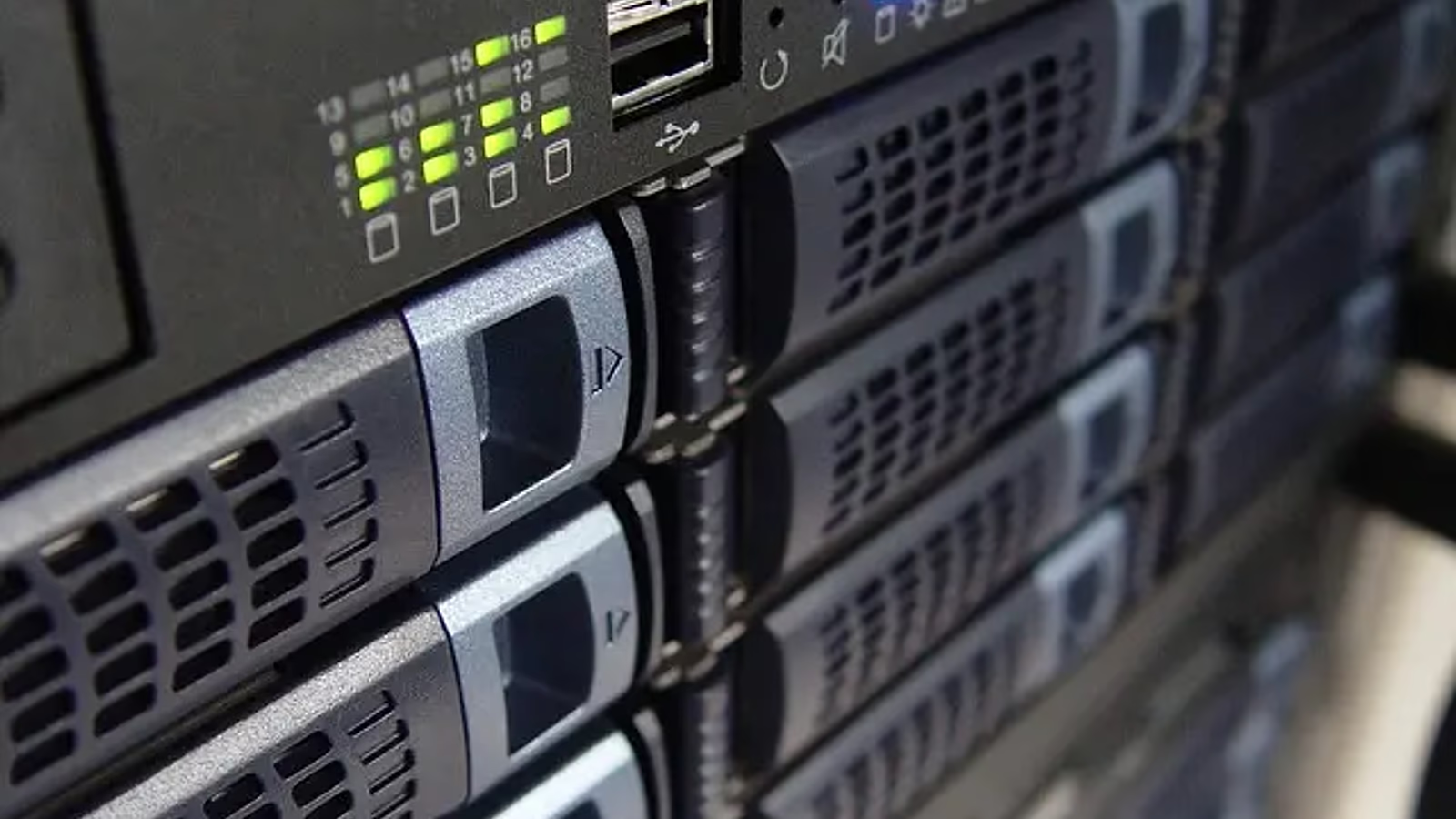
In brief: what data archiving is
Archiving is controlled long-term retention of information no longer needed for daily work but required to remain accessible, trustworthy and removable under defined rules.
- The archive has an owner, data classes, retention periods, access rules and search method.
- Integrity and readability are verified throughout the required period.
- Delete data after the applicable retention period expires and any further preservation duties have been checked. An active legal hold suspends deletion of the data in its scope.
Archiving is a business decision, not just disk space
Backup helps restore work after failure; an archive retains defined information for a required period. A working repository supports daily collaboration. Mixing these purposes in one folder causes excessive retention, cost, poor search and uncontrolled access.
How archive governance connects business, IT and compliance
The business owner defines information value, compliance defines obligation and duration, and IT provides storage plus operating evidence. The process cannot depend only on the repository administrator.
- The business classifies data and appoints an owner to approve classification, retention, access, permitted use and deletion.
- Legal and compliance define retention requirements, exceptions, restrictions and suspension of deletion for legal proceedings (legal hold).
- IT designs and operates the repository, copies, encryption, integrity protection, indexing and monitoring, and performs migrations and recovery tests.
- Security and audit independently review privileges, incidents, implementation of rules, exceptions and records of control effectiveness.
What to decide before moving data to the archive
Good archiving starts with information decisions, not media procurement. The first meeting should lead quickly to scope and decisions.
- Which data and formats enter the archive and who owns them.
- The legal basis, minimum and maximum retention and legal-hold condition.
- Who may search, read, export and approve deletion.
- How integrity, authenticity, completeness and long-term readability are verified.
- Location, encryption, copy, RTO/RPO and reporting requirements.
Collect data sources
Repositories, volumes, formats, owners and current retention rules.
Check resilience
Copies, integrity, reading, recovery and single points of failure.
Agree the decisions
Priorities, legal hold, access, deletion, owners and migration plan.
How to separate archive, backup and working repository
The layers may use similar infrastructure but require different rules and evidence.
Archive
Long-term retention of selected data, search, legal hold and controlled deletion.
Backup
Copies for restoring systems, data or configuration after failure and incident.
Working repository
Daily collaboration, versioning, sharing and active document work.
Data lifecycle and sources in scope
Archiving should cover the lifecycle from information creation to confirmed deletion.
- Email, documents, financial systems, CRM, ERP, HR, logs and project data.
- On-premises, cloud, SaaS, file-share and removable-media data.
- Format, metadata, owner, classification and software dependency needed for reading.
- Transfer from the working repository with completeness validation.
- Media or format migration, legal hold, retention expiry and secure deletion.
Mistakes that turn an archive into a risk
The usual problem is missing decisions and accountability, not missing tools.
Archive as eternal backup
No deletion rules increase cost, breach scope and legal risk.
Uncontrolled access
Shared accounts, missing MFA and broad exports undermine confidentiality and accountability.
Unowned information
Nobody confirms retention, legal hold, format currency or deletion decisions.
How to make archiving a working control
The control needs measurable parameters and recurring validation.
- Assign data class, retention deadline and owner automatically where possible.
- Use encryption, roles, MFA, segregation of duties and read/export logging.
- Use checksums, immutable media or versioning according to requirements.
- Test search, read, export, recovery and deletion on representative data.
- Report exceptions, legal holds, migration errors, expired data and corrective actions.
Retention, integrity and access in a trustworthy archive
All three must work together; long retention without integrity or controlled access does not create a secure archive.
Retention and deletion
Period, start event, exception, legal hold and approved destruction.
Integrity and evidence
Checksums, logs, immutability and migration history prove trustworthiness.
Access and resilience
Roles, encryption, copies, read tests and continuity plans preserve usability.
What the company should receive after an archive review
The output should organise process and decisions rather than promise one tool will solve every data issue. The value is control over information, not merely moving old files to cheaper storage.
- Map of repositories, data, owners, formats, locations and dependencies.
- Retention matrix with basis, period, legal hold, access and deletion method.
- Target design for archive, copies, encryption, indexing and monitoring.
- Register of gaps, exceptions, risks, priorities, owners and closure criteria.
- Migration, testing, communication, rollout schedule and operating plan.
Faster search
Indexes, metadata and owners speed audit, client and legal requests.
Lower loss risk
Separated copies, integrity and read tests protect information of lasting value.
Better resilience and compliance
Retention, evidence and controlled deletion support continuity and obligations.
The archiving implementation process step by step
Review dates are indicative and depend on scope. Urgent data protection and required preservation for proceedings follow risks and obligations without waiting for a review.
- Set scope, requirements, owners, data classes and acceptance criteria.
- Inventory repositories, volume, formats, metadata quality and current rules.
- Design architecture, roles, retention, migration, index, copies and monitoring.
- Pilot with completeness, integrity, reading and deletion validation.
- Migrate in waves, obtain owner confirmation and hand the process to operations.
- Discovery and ownership: map repositories and data classes, identify legal holds, duplicates, unmanaged data and access risks, and assign accountable owners.
- Design and pilot: approve the retention matrix and target architecture, define roles, then validate integrity, readability and controlled deletion on a representative sample.
- Migration and operational acceptance: move priority data in controlled waves, record owner sign-off, prove deletion outcomes and hand monitoring and exception reporting to operations.
- After rollout: recurring tests, exception review, format migration and compliance reporting.
Evidence needed by management, audit and IT
Evidence should confirm rule execution and data usability, not only repository existence.
- Approved retention matrix, owners, legal basis and legal-hold register.
- Ingestion reports, checksums, immutability and migration history.
- Read, search, export, role-change and unauthorised-attempt logs.
- Results of read, recovery, performance, deletion and disaster tests.
- Report of expired data, exceptions, errors and corrective actions.
Archive as a source for AI, RAG and enterprise search
An archive may feed search and answer models only when data is lawful, contextually current and access controlled.
- Index only approved repositories and retain source, owner and date.
- Respect classification, permissions, legal hold, retention and purpose limits.
- Separate historical content from current instruction so the model does not suggest an obsolete process.
- Filter sensitive data, passwords, keys and access tokens, client information and documents without a valid purpose.
- Log queries and sources, and delete information from indexes and vector stores as well.
When archiving needs urgent improvement
Review is urgent when the company does not know what it retains, why, or whether it can be read reliably.
- No owner, retention rule or ability to identify data under legal hold.
- Shared accounts, public links, missing MFA or uncontrolled bulk exports.
- Only one archive copy, shared failure point or no read and recovery test.
- Obsolete formats, media, encryption or dependency on unsupported systems.
- Expired data nobody deletes or mass deletion without a confirmed process.
Archive security, recovery and testing
An archive needs protection against errors, attacks and provider failure, with tested recovery and access rules. Legal and contractual requirements depend on the data and organisation.
Independent copy
Separate credentials and location plus recoverability reduce ransomware impact.
Security monitoring
Alerts for change, export, integrity failure and unusual access support response.
Continuity test
An outage exercise checks whether data can be recovered in the required time and format, accounting for RTO/RPO targets and supplier dependencies.
NIS2
Roles, risk, incidents, supply chain and evidence of safeguard operation.
ISO 27001
Classification, retention, access, integrity, deletion and continual improvement.
How to keep the control current after the project
Retention, formats and requirements change, so the archive needs a regular review rhythm.
- Review ingestion errors, integrity, capacity and access alerts monthly.
- Confirm owners, roles, legal holds, exceptions and expired data quarterly.
- At least annually test read, export, recovery, deletion and continuity plan.
- After system, law or supplier changes update retention matrix, formats and evidence.
Related Virtline services
Archiving connects data protection, collaboration, compliance and recovery readiness.
Backup and recovery
Copies, tests, RTO/RPO and resilience to failure or ransomware.
Microsoft 365
Email and document retention, search, permissions and versioning.
Cybersecurity
Encryption, access, logs, monitoring and incident response.
ISO 27001
Management of information, risk, controls and evidence.







































