
A firewall controls traffic, not just the perimeter
A firewall decides which traffic can pass between the internet, office, servers, Wi-Fi, backup, production, cloud and remote access. Its value does not come from buying the device alone, but from rule design, segmentation, documentation, logging, updates and ownership of every change.
Firewall implementation
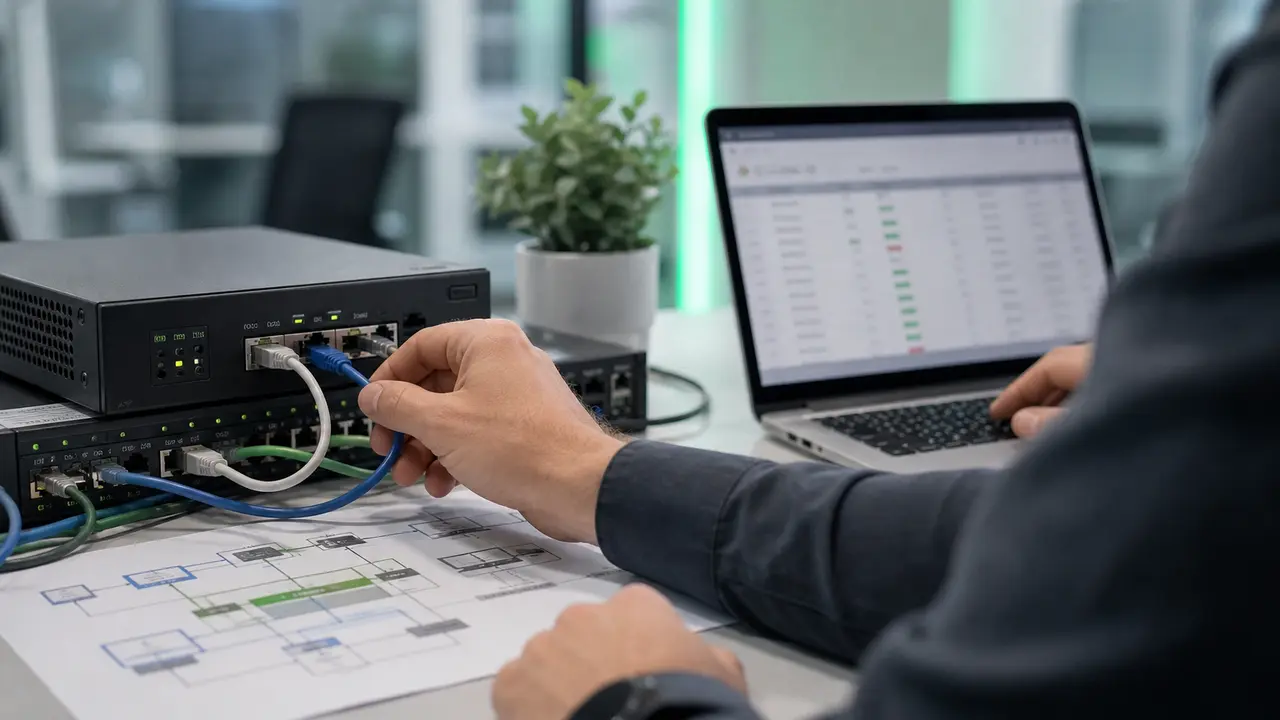
Architecture, rules, NAT, VPN, segmentation, logging, HA and change procedures.
Network administration
Continuous configuration maintenance, rule review, monitoring, configuration backup and documentation.
SOC / SIEM / SOAR
Firewall logs are most useful when correlated with EDR, servers, cloud services and alerts.
How a firewall works in practice
A firewall filters traffic according to rules. Session tracking, application and user identification, IPS, reputation, geolocation and VPN depend on the product, licence, configuration and integrations. Select controls for the required flows and trust zones. TLS encryption limits content visibility; inspection requires an assessment of performance, application compatibility and privacy rules, and some traffic cannot be decrypted.
- Inbound traffic: limits internet-exposed services, organises NAT and blocks connections that do not match policy.
- Outbound traffic: helps detect unusual communication, tunnels, connections to suspicious addresses and attempts to bypass controls.
- Internal traffic: separates users, servers, administration, backup, guest Wi-Fi, OT/production and supplier systems.
- VPN: enables remote access, but should work with MFA, limited privileges, logging and fast access removal.
- Logs: provide material for diagnostics, audits, incident response, rule review and management reporting.
UTM, NGFW, hardware firewall and software firewall
The older split between hardware and software firewalls is still useful, but for a company the more important question is what traffic the firewall controls and which security functions it enforces. UTM consolidates several protection layers in one appliance, while NGFW adds application control, users, IPS, reputation and security-service integrations. Every option needs ownership, updates and reviews.
- A hardware firewall protects the network edge, branches, server rooms, carrier links and connections between locations.
- A software firewall runs on a workstation or server and restricts connections to a specific host, including inside the network.
- UTM combines web filtering, IPS, VPN, antimalware, reputation and reporting, but requires deliberate licence selection.
- NGFW identifies applications and users, so it can block risky behaviour without simply cutting off entire ports.
- A cloud or virtual firewall protects hybrid environments, application segments and traffic between services.
Network segmentation changes firewall effectiveness
The biggest mistake is treating the firewall only as an internet gateway. In practice, it should limit traffic between zones so that one compromised laptop, VPN account or server does not automatically expose the whole organisation.
- Divide the network into zones: users, servers, administration, backup, guests, production, IoT devices and suppliers.
- Define business flows, meaning which systems really need to communicate with each other and on which ports.
- Separate backup and administration tools from ordinary workstations to make it harder for ransomware to reach backups.
- Use temporary rules with review dates, and record technical exceptions with an owner and accepted risk.
- Connect segmentation with monitoring so attempts to move between zones become a security signal, not background noise.
Decision map before implementation or review
Before buying a new firewall or changing rules, the company should define the business goal, system owners, audit requirements and risk tolerance. Otherwise, the firewall quickly becomes a collection of exceptions accumulated over years.
- Identify internet-exposed services, business owners and the real need for exposure.
- Set VPN rules, MFA, access scope, administrative accounts and out-of-hours access.
- Describe every important rule: owner, reason, creation date, review date, related system and technical contact.
- Decide which logs go to monitoring, SIEM, security reporting or an audit evidence package.
- Plan configuration backup, restore testing, change windows and emergency access procedures.
Phased action plan for cleaning up a firewall
Address urgent exposure and MFA gaps according to risk, without waiting for a monthly review. Before changing rules, prepare a configuration backup, a tested procedure for restoring the previous configuration, logging, alert monitoring and emergency access. The following 30/60/90-day points are example progress reviews.
- 30-day review: verify removal of unnecessary exposure, VPN/MFA effectiveness and ownership of rules and exceptions.
- 60-day review: verify segmentation, NAT, rule descriptions, recovery tests and emergency access.
- 90-day review: assess monitoring or SIEM coverage, alert handling and recurring rule reviews; report the results to management.
- Ongoing maintenance: every change should have a reason, test, owner, review date and documentation trail.
Typical implementation mistakes
A firewall can create a false sense of security if it runs on default rules or is maintained without a process. The problem is often not a missing licence feature, but the lack of responsibility for exceptions, logs and reviews.
- Leaving broad any-any rules because they solved an application or supplier problem quickly.
- No MFA for VPN, shared admin accounts and remote access that is too broad for internal systems.
- Unclear object names, missing rule descriptions and no next review date.
- Logs kept only on the appliance, without retention, correlation or a clear escalation path.
- No restore test for the configuration after a failure, hardware replacement or administrator error.
When a firewall is not enough
A firewall reduces the attack surface, but it does not replace account protection, endpoint protection, backup, monitoring or response procedures. If a user enters a password on a phishing page or malware runs on a workstation, additional defence layers are needed.
Evidence and configuration maintenance
A good firewall configuration leaves a trail: rule export, configuration backup, change logs, VPN tests, exception list, rule owners and a periodic review report. During an incident, NIS2 audit, ISO 27001 review or customer due diligence, the useful evidence is who approved a rule, which system it protects, when it was tested and where the logs are retained.
NIS2 audit
Connects rule review, exposure, VPN, logging and control ownership with an audit-ready evidence package.
ISO 27001
Organises accountability, exceptions, review cadence and change records required by the management system.
Cybersecurity
Places the firewall inside a programme with MFA, backup, EDR, SIEM, segmentation and response procedures.
How Virtline helps with firewalls
Virtline starts with a focused review of rules, exposure and administrator workflow. We then prioritise critical risks, design segmentation, organise VPN and MFA, prepare a rule matrix, configuration backup, logging plan and review schedule. Management receives a risk assessment, while the technical team receives an executable change list.
Design and implementation
We select architecture, HA, rules, NAT, remote access, segmentation, restore tests and reporting.
Network administration
We maintain configuration, monitoring, configuration backups, change records and periodic rule reviews.
Contact
We confirm whether you need a new firewall, rule review, VPN, segmentation, SIEM integration or an infrastructure improvement plan.
Related articles
A firewall works best as part of a broader security architecture. It should be combined with segmentation, VPN, MFA, monitoring and alert response so traffic control is visible in daily administration and management reports.
How to classify security alerts
Priorities, owners and response procedures when a firewall or SIEM reports suspicious activity.
VPN and secure transmission
Secure remote access, VPN tunnels, MFA and risks of working outside the corporate network.
IT network management
Network administration, rules, documentation, monitoring and stable infrastructure maintenance.







































