
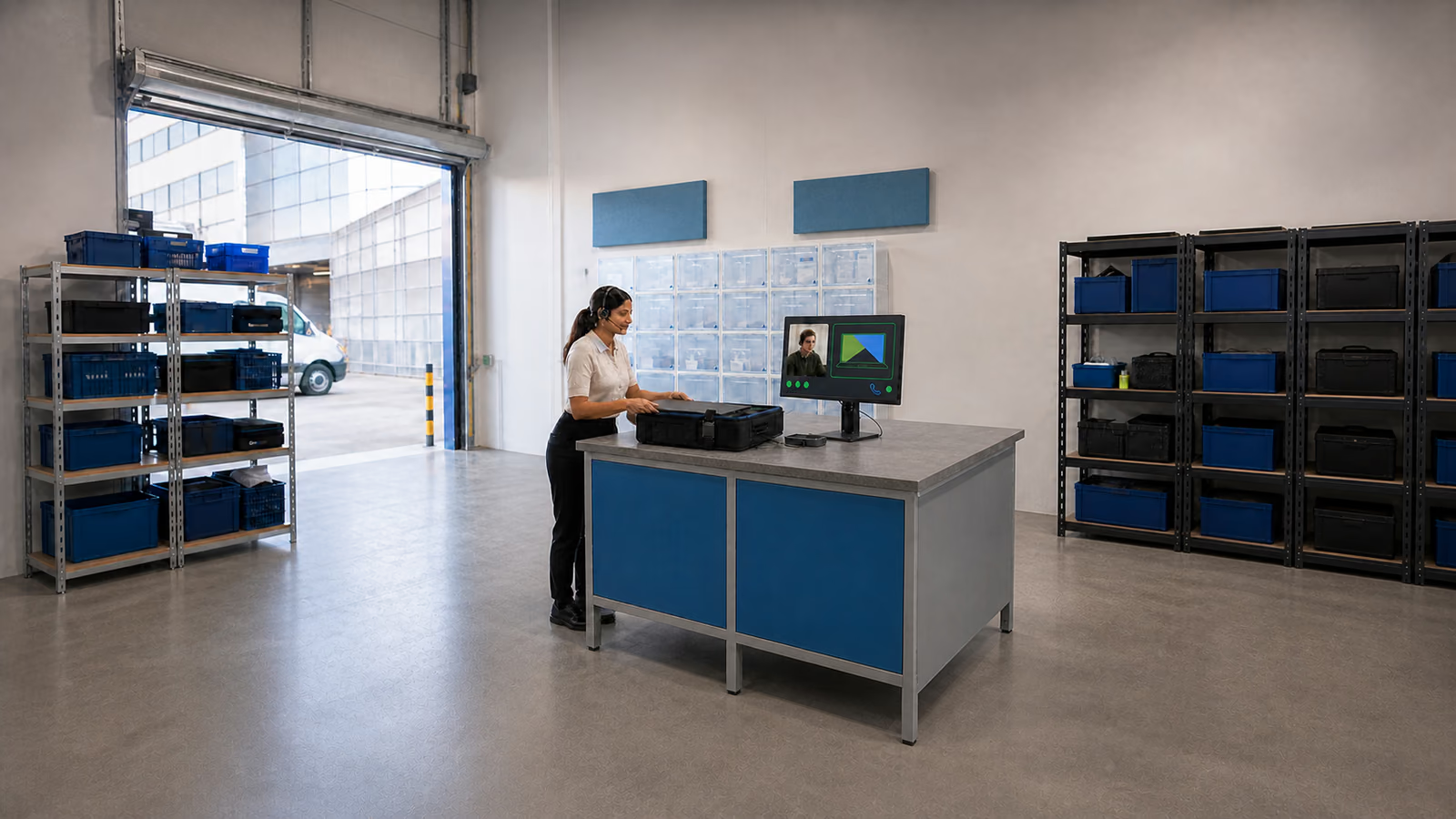
What really supports a remote team
It is not enough to buy a licence and send users a link to the application. A remote team needs controlled access, common work rules, quick failure handling, secure devices and clear responsibility for data. Without it, IT works reactively and users look for workarounds outside the process.
- Microsoft 365 should have organised groups, access policies, retention, file sharing and email configuration.
- MFA and Conditional Access reduce the risk of account takeover, especially when working from outside the office.
- VPN or another secure access model must be tailored to the application, not implemented as a one-size-fits-all tunnel.
- The helpdesk should measure response time, ticket categories and recurring problems.
Short answer: what does a remote team need from IT?
A remote team needs accounts protected by multi-factor authentication (MFA), secure devices, application access and a responsive helpdesk. Mobile device management (MDM) and endpoint detection and response (EDR) help apply consistent security rules outside the office.
How should implementation begin?
Virtline starts by reviewing accounts, licences, devices, VPN, helpdesk tickets and risks, then prepares an plan to improve IT reliability and support.
Which elements must work together?
Microsoft 365, Teams, SharePoint, OneDrive, MFA, VPN, helpdesk, backup and cybersecurity rules must form one operating model.
Why Virtline?
We combine experience from business projects with day-to-day operations, security and user support.
Microsoft 365 as the work centre
Microsoft 365 can combine email, calendars, Teams, SharePoint, OneDrive and identity protection. Availability depends on purchased products and configuration, including the Teams variant. Check licensing, sharing rules, MFA, current sign-in methods and device protection.
Microsoft 365
Configuration of mail, Teams, SharePoint, OneDrive, groups, security and collaboration policies.
MFA
Implementation of multi-factor authentication for user and administrator accounts.
IT helpdesk
User support, incident handling and measurable response quality.
Remote access: VPN, identity and device
Match connectivity to the application: private resources may need VPN or ZTNA, while SaaS can use direct, secured access. MFA, permissions and device controls remain necessary. VPN and Conditional Access serve different purposes; neither replaces MFA.
- For local applications, check VPN, segmentation, logging, MFA, and minimum permissions.
- For Microsoft 365, verify MFA, current authentication methods, alerts and access policies available under the purchased licences.
- For laptops, enforce disk encryption, updates, endpoint protection and remote device locking.
- For administrators, separate operational accounts from privileged ones and log activities.
Risks that most often disrupt remote teams
Remote work issues tend to combine security and productivity. This same lack of process can result in account takeover, data loss, delayed customer service, and user frustration.
- Accounts without MFA and missing access removal when an employee changes roles or leaves.
- For personal devices, define permitted use, management scope, separation of company data and access removal.
- Files in private OneDrive, public links, Teams sites without owners and no access reviews.
- VPN configured as a broad tunnel into the whole network instead of role-based access to specific applications.
- Helpdesk without SLA, knowledge base and analysis of repetitive requests, which means that problems come back every week.
Helpdesk is not just a telephone number
A good helpdesk sees which problems block work. User tickets show where instructions are missing, where licences are incorrectly selected, where the network is unstable and which devices need to be replaced.
Ticket handling
Categories, priorities, SLAs, escalations and solutions to repetitive problems.
IT outsourcing
Ongoing user support and management of devices, applications, networks and documentation.
Cybersecurity
Response to suspicious logins, phishing, endpoint incidents and configuration vulnerabilities.
Evidence of remote-work controls
Configuration records, access reviews, helpdesk reports and restore test results show whether remote-work controls operate as intended. They support ISO 27001 and NIS2 assessments, customer audits, cyberinsurance reviews and internal risk decisions. The application of NIS2/KSC and DORA depends on the organisation’s sector, status and activities. Technical records can support assessment, but do not by themselves confirm compliance or certification.
- Report on MFA and administrator accounts, including exceptions and a plan to resolve them.
- List of devices with encryption, endpoint protection, updates and owner.
- Overview of SharePoint, OneDrive and external links with data owner decisions.
- Helpdesk statistics: SLA, response time, recurring problems and automation tasks.
- Test results for backup and recovery of data used outside the office.
The most common mistakes in remote work
Problems usually do not result from one tool, but from the lack of consistent rules. The company has Teams, VPN and antivirus, but users continue to work on private devices, share files without control or wait several days for their accounts to be unlocked.
- MFA enabled only for some accounts or omitted for administrator accounts.
- SharePoint and OneDrive without reviewing public links and sharing rules.
- VPN without monitoring, without segmentation and without a clear list of applications requiring a tunnel.
- Lack of laptop standard: encryption, update, EDR, backup and device loss procedure.
- Helpdesk without a knowledge base and without analysis of repetitive requests.
Reviews during the first 30 days
Before enabling remote access, establish account, device and data protection plus an incident-reporting channel. Do not defer urgent gaps to week three or day 60/90. The stated dates are progress reviews, adjusted to risk.
- Week 1: review the account protection, licences, MFA and permissions already established.
- Week 2: assess collaboration, sharing, email and retention policies.
- Week 3: verify access, device and recovery control results.
- Week 4: review SLAs, escalation, the knowledge base and recurring tickets.
What does the maintenance model look like?
Once the environment has been brought under control, remote work should move into a regular operating cycle of access reviews, helpdesk reporting, backup tests, device updates and clear escalation paths. This gives management visibility into service quality while providing IT with the contextual data it needs to make decisions, rather than a series of isolated tickets.
SLA and ticket report
Response time, problem categories, escalations, recurring incidents and improvement recommendations.
Access overview
MFA, privileged accounts, exceptions, risky logins and business owner decisions.
Maintenance of devices
Updates, encryption, endpoint protection, hardware replacement and user support.
Regular reviews of hybrid operations
After the first month, check whether the established rules still work as users, devices and applications change. Each review should produce a list of changes, an owner and a completion date.
30-day review
MFA, administrators, risky logins, conditional access, old protocols and revoked accounts.
60-day review
Laptop, encryption, EDR, SharePoint, OneDrive, retention, sharing and backup.
90-day review
SLA, knowledge base, ticket categories, periodic reviews and evidence for the audit or client.
How Virtline supports remote teams
We combine Microsoft 365 implementation, account security, remote access configuration and ongoing helpdesk. The team therefore receives working tools, while management sees risks, costs, evidence of control and service quality.
Microsoft 365
Implementations, security configuration, email migrations and organising collaboration.
MFA
Design and implementation of account protection, including users, administrators and exceptions.
VPN for remote work
Secure access to local applications, limiting the scope of connections and supporting users.
Related next steps
If remote work is already standard, move from handling isolated tickets to a maintenance model: policies, monitoring, reports, knowledge base and periodic access reviews.
IT helpdesk
Ongoing user support and consistent ticket handling.
IT outsourcing
Maintaining devices, applications, networks and security in one responsibility model.
Contact
A short conversation allows you to choose whether to start with an audit, M365 implementation or helpdesk.
When to start with an audit and when with implementation
An active incident needs immediate reporting and response. Once the environment is stable, a configuration review can identify gaps; design new environments with account and device protection, backup and support.
Remote work configuration audit
Checking MFA, administrator accounts, SharePoint, OneDrive, VPN, devices, backup and incident response.
Implementation of Microsoft 365
Organising email, Teams, groups, sharing policies, retention and user security basics.
Ongoing IT support and SLA
Ongoing user support, device monitoring, ticket reports and regular access reviews.
Organise IT support for remote work
A practical implementation sequence keeps account security, devices and user support from becoming separate projects. Assign owners, close the most serious gaps first and use the helpdesk data to plan subsequent improvements.
- Inventory users, administrator accounts, licences, devices, applications and remote access paths.
- Set priorities for MFA, device encryption, backups, sharing rules, VPN and the helpdesk SLA.
- Call +48 12 200 27 10 to discuss a structured IT operating model for remote teams.
Business result: less downtime and fewer out-of-process exceptions
Well-managed IT for remote teams is intended to reduce the number of workarounds: private accounts, files outside the repository, manual access granting and tickets without an owner. The management board should receive brief information about the status of accounts, devices, backups, SLAs and risks, and the user should know where to report a problem and when they will receive a response.
- One login model and MFA for users, administrators and remote access.
- Clear rules for working with documents in SharePoint, OneDrive and Teams, without accidental public links.
- Laptop standard including encryption, updates, endpoint protection and device loss procedure.
- Helpdesk with categories, priorities, SLA, knowledge base and a report of recurring problems.
- Evidence package for customer audit, ISO 27001, NIS2 or internal security audit.
How to turn this into an action plan
Inventory remote identities, managed devices, VPN or zero-trust access, Microsoft 365 sharing and the helpdesk route. Then assign the gaps that cause lockouts, unsafe workarounds or slow support, with one owner and acceptance test for each change.







































