
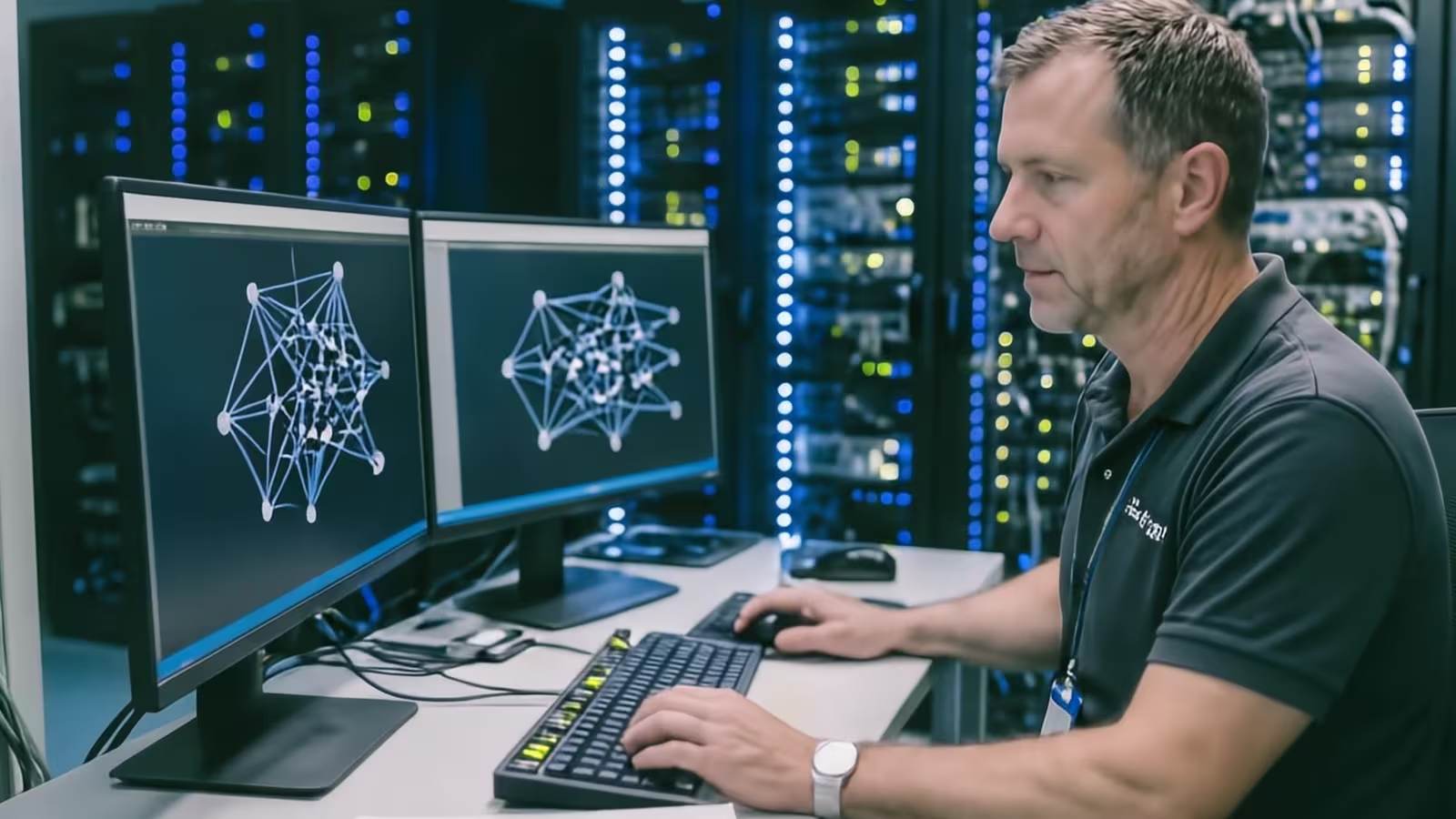
What is professional server-room implementation?
It is the design and delivery of a complete environment for local systems, databases, virtualisation, backup and network devices. The project covers hardware selection, power, cooling, fire protection, physical access, segmentation, monitoring, documentation, tests and the people responsible for ongoing operation. Only this combination provides control over data and predictable service availability.
Why does a server room matter for business continuity?
Local systems may support sales, production, finance, logistics and communication. A single server-room failure can therefore stop several processes. The design should identify service dependencies, failure responses and capacity for growth. Management can then assess costs and risks, while IT has defined parameters, priorities and procedures.
- For each critical service, define the recovery point objective (RPO, acceptable data loss measured in time), recovery time objective (RTO, target restoration time) and business owner.
- Power, cooling, network and storage do not create undocumented single points of failure.
- Alerts lead to a named person and an agreed escalation path.
- Failure scenarios are tested and the result is understandable to both IT and management.
- Controlled capacity growth without excessive or late purchases.
- Better evidence for audits, customers, ISO 27001, NIS2 and DORA. Applicable laws depend on the organisation and its activities. ISO 27001 is a voluntary standard; technical records support assessment but do not by themselves establish compliance or certification.
- Less dependency on individuals and undocumented knowledge.
Which companies have a justified need for their own server room?
On-premises infrastructure makes sense when low latency, local integrations, control over processing location, predictable performance or specific customer and regulatory requirements apply. The decision should follow an analysis of services and data rather than a habit of owning equipment.
- Companies with production or warehouse systems that depend on the local network.
- Organisations processing regulated data or data covered by contractual requirements.
- Teams using applications that cannot safely be moved to a SaaS model.
- Businesses requiring controlled integration between cloud services and local systems.
- Companies able to provide ongoing operational ownership and an adequate maintenance budget.
What must be established before buying servers and racks?
Buying devices without analysing application growth, data growth and dependencies leads to excess cost or early saturation. First describe the business services, workload, growth horizon and acceptable downtime. Architecture, power, capacity and redundancy can then be selected on evidence rather than assumptions. Requirements should come from several sources, not only an administrator interview. This prevents a project that is technically correct but fails to address real downtime, growth and compliance scenarios.
- Identify applications, databases, virtual machines, integrations, and the business processes and owners they support.
- Base assumptions on monitoring data, incidents, failures, service tickets and historical resource use.
- Include plans for business growth, new sites, acquisitions, applications and staffing.
- Forecast CPU, memory, storage and network traffic for at least three years, with documented headroom and clear triggers for using it.
- Define data classifications and requirements for retention, encryption and secure deletion.
- Set RPO and RTO for every critical service.
- Include applicable customer, insurer and auditor requirements, standards and regulations, such as ISO 27001, NIS2 or DORA where relevant.
- Check constraints in the room, power connection, floor loading and cable routes.
- Review contracts, warranties, supplier response times and spare-part availability.
- Calculate the full cost of procurement, licensing, power, service and administration within the available budget, staffing, maintenance windows and space.
What should the server-room design scope include?
The scope should be explicit enough to prevent hidden assumptions during delivery and later support. Every area needs an owner, an acceptance criterion and evidence of completion. Physical security and device operating conditions are as important as system configuration. Controls should match the criticality of the data and cover both normal service and emergency supplier access.
- Primary power, UPS, generator support or a controlled shutdown procedure.
- Cooling, airflow, and temperature and humidity sensors positioned at potential hot spots as well as room entrances.
- Fire and flood protection, safe extinguishing and power-isolation procedures, and a clear route for calling emergency services.
- Racks, grounding, labels and orderly cabling that do not obstruct airflow or create storage hazards.
- Servers, virtualisation, storage, arrays, networking and administrative segmentation.
- Physical access control, entry logs and procedures for visitors, engineers, deliveries and equipment removal.
- Backup, retention, an off-site copy and a documented restore test.
- Monitoring, alerts, logs, documentation, service agreements and emergency procedures.
- Recurring tests of sensors, access control, alarms and escalation paths instead of assuming that safeguards work.
What does server-room implementation look like step by step?
Virtline leads the project from the current state to stable operation. Each stage ends with a decision or evidence, allowing management to see risk while administrators receive an executable technical plan. The precise scope depends on risk, maintenance windows, hardware availability and organisational readiness. The plan orders decisions and avoids changing too many elements at the same time.
- Scope workshop and identification of critical business processes.
- Inventory of devices, systems, data, contracts and dependencies.
- Assessment of the room, power, cooling, network, access and risks.
- Logical and physical design with options for cost, resilience and growth.
- Migration plan, change window, communication, rollback and assigned responsibility.
- Installation, configuration, load, failure, backup and recovery tests.
- Acceptance, documentation, training, stabilisation and handover to operations.
What risks occur most often in a company server room?
Gaps usually become visible only during downtime, an incident or an audit. An earlier review separates urgent corrections from planned modernisation and formally accepted exceptions.
- One power source or a UPS without battery tests and a shutdown procedure.
- Insufficient cooling, missing sensors or an alarm with no recipient.
- Backup in the same location, with no offline copy and no restoration test.
- Shared administrator accounts and uncontrolled physical access.
- A flat network combining management, users, monitoring and backup traffic.
- Outdated firmware, operating systems, hypervisors and unsupported devices.
- Missing documentation of connections, configurations, emergency credentials and service contacts.
- Dependency on one person who alone understands the real state of the environment.
What evidence should remain after implementation?
The project is complete only when the company can operate the environment and demonstrate what was tested. Documentation must reflect the actual post-change state, not merely the original design. It should be versioned, available during an outage and updated through the same process as the technical change. Documentation should allow a person who did not participate in the project to work safely.
- Approved scope, exclusions, assumptions and architecture decisions, including the reasons behind them.
- Current power, network, rack, VLAN, storage and service-dependency diagrams linked to one controlled inventory of devices, addresses and connections.
- An inventory of hardware, licences, warranties, serial numbers and service agreements.
- The account, privilege and physical-access model, with emergency passwords and keys held in a controlled, audited repository.
- Backup and retention configuration, off-site copies and restore-test results.
- Test records for power, cooling, failure scenarios, performance and alerting.
- Change records that require diagrams, configuration records and runbooks to be updated together.
- A list of open risks and exceptions with owners and review dates.
- Operating and emergency runbooks, contacts and review schedules, with key procedures available offline during a network failure.
- A recurring exercise with the deputy administrator to prove that the documentation is sufficient for continued operation.
How should server-room effectiveness be measured after launch?
Metrics should show service availability, recovery capability, spare capacity and incident response times. A short report connects these trends to business impact and decisions about budget or risk acceptance.
- Availability of critical services and the number and duration of unplanned interruptions.
- Time to detect, start responding to and resolve an event.
- Success of backup jobs and the duration and result of restoration tests.
- Use of CPU, RAM, storage, bandwidth, power and cooling capacity.
- Number of unsupported devices, overdue updates and open vulnerabilities.
- Number of exceptions with no owner or an overdue completion date.
- Result of the latest backup, recovery, power and emergency-scenario tests.
- Capacity, unsupported equipment and expected investment date.
- Status of the infrastructure improvement plan, completed actions and blocking decisions.
- Recommended budget and the business consequence of deferring work.
How does Virtline support server-room projects and operations?
The scope may cover current-state assessment, design, delivery, migration, testing or ongoing administration. We match the next step to the company's actual risk and maturity instead of starting with a device shopping list.
Server audit
Review of configuration, support, vulnerabilities, privileges, backup and operating risks.
File-server implementation
Design of storage, permissions, retention, performance and secure data sharing.
Backup and data recovery
A 3-2-1 strategy, an off-site copy, ransomware protection and restoration tests.
IT monitoring
Observation of availability, capacity, temperature, power and events with escalation.
IT outsourcing
Ongoing ownership of administration, updates, documentation and response.
Consultation
Agreement on scope, priorities, budget constraints and the first measurable step.
Which decisions must management make?
Management does not need to approve every technical parameter, but it owns the level of risk, budget and service priorities. Decisions should be recorded so that they can later be verified. Self-managed infrastructure means permanent responsibility for availability, security, performance and data recovery. The responsibility model should separate advice, decision, execution and risk acceptance while providing adequate backup for key people.
- Which processes and data are critical, and how much downtime the business can accept.
- Whether the operating model should be on-premises, colocated, cloud-based or hybrid.
- What level of redundancy and operating cost is commercially justified.
- Who owns services, architecture, capacity, maintenance and infrastructure documentation.
- Who oversees access, vulnerabilities, logs, incidents and exceptions, and who implements approved changes and retains evidence.
- What scope, SLA, escalation route and knowledge-transfer duty apply to the supplier.
- Which risks must be closed before go-live and which may be accepted temporarily.
- How often management receives test results, service availability and the status of open risks.
- How decisions and evidence map to ISO 27001, NIS2 management accountability and—where relevant to finance—DORA.
- What budget, capacity reserve and acceptance criteria management approves before procurement and go-live.
Which common mistakes should be avoided?
The most expensive problems occur when hardware is installed without a process owner, tests and a maintenance plan. A fault can remain hidden for months until an outage or urgent recovery request exposes it.
- Selecting servers before defining workloads, growth and recovery objectives.
- Treating UPS, cooling, backup and monitoring as additions after delivery.
- Device redundancy without resilient power, cable paths or configuration.
- Testing one restored file instead of an end-to-end service-recovery scenario.
- No management-network segmentation and shared privileged accounts.
- Documentation left unchanged after migration, port, addressing or permission changes.
- Acceptance based on a supplier declaration with no test record or open-risk list.
What should technical and operational acceptance include?
Acceptance confirms operating capability rather than mere completion of installation. Criteria must be agreed before delivery so that each party knows what will be measured and which deviations require a decision. A capable supplier discusses ownership, failure scenarios and evidence rather than focusing solely on device specifications. The answers should be reflected in the scope, contract, design and acceptance criteria.
- Conformity with the approved scope and design, with clear responsibility for installation, configuration, testing and post-go-live support.
- Confirmation of assumptions for growth, load, redundancy, RPO and RTO.
- An agreed power-loss test covering UPS, alarms and controlled shutdown, with responsible personnel, a maintenance window and a safe recovery plan.
- Temperature and airflow measurements, including the response to threshold breaches.
- Tests of connectivity, segmentation, redundancy, administrative access and logging.
- Backup and restore tests for files, a database, a virtual machine and a business service.
- Confirmation of alerts, on-call duties, escalation and response times, plus the licences, warranties and spare parts included in the price.
- Handover of labels, as-built documentation, emergency access and runbooks, with a formal list of exceptions, risks, owners and closure dates.
How can the result be sustained after implementation?
Set control frequency from risk, manufacturer requirements and environmental changes. Example periodic reviews do not replace ongoing alarm response, treatment of actively exploited vulnerabilities or prompt removal of unnecessary access.
- Daily or automated review of critical alerts and backup jobs.
- Monthly review of capacity, performance, temperature and recurring events.
- Review accounts and physical access on an agreed cycle; manage firmware, patches and vulnerabilities according to risk and exposure. Do not defer urgent vulnerabilities until the next review.
- Periodic tests of UPS, sensors, alarms, links, resilience and recovery.
- Annual review of RPO/RTO, service agreements, warranties and capacity plans.
- Update of diagrams and runbooks after every material change.
- Risk review after an incident or change of supplier, location or critical application.
- Trend and open-decision report for service owners and management.
Own server room, colocation or cloud?
An on-premises server room provides direct control but requires a suitable facility, energy, skills and continuous service. Colocation transfers part of the facility responsibility, while cloud changes the cost and management model. Many companies adopt a hybrid model and retain only justified workloads locally.
- Compare the total cost of energy, cooling, hardware, licences, service and staff.
- Assess latency, local integrations, data location and contractual requirements.
- Verify available skills and realistic support outside business hours.
- Compare facility, provider, link, account and configuration-failure scenarios.
- Plan data portability, service exit and configuration recovery.
- Document which party owns every layer and each item of control evidence.
Why are backup and recovery part of server-room design?
Backup cannot be an add-on introduced after production starts. Copy architecture follows service criticality, data volume, recovery time and scenarios involving ransomware, hardware failure and loss of a location.
- Assign RPO and RTO to services rather than only to devices or volumes.
- Maintain at least three copies, on two media types, with one copy off-site.
- Provide an offline or enforced immutable copy with separate administrative access. Account separation alone does not prevent backup deletion; assess bypass paths and test recovery.
- Cover files, databases, virtual machines, configurations, keys and application dependencies.
- Monitor completeness, duration and data growth, not only job completion.
- Test a single object, a complete machine and a business-service launch scenario.
- Document the recovery sequence, emergency credentials, contacts and required resources.
- Repeat testing after a material change to an application, storage, network, hypervisor or retention policy.
Related guidance and decisions
These areas expand the design, security, performance and operation of local infrastructure.
Secure server room
Practical physical, technical and organisational protection for a company environment.
Key server-room concepts
An explanation of the main components, dependencies and infrastructure decisions.
Server virtualisation
Resource consolidation, workload separation, recovery and capacity planning.
SQL Server performance
Database administration, monitoring, queries, storage and the performance of data-dependent services.
Discuss the server room and the next practical step
A short conversation will determine whether the right next step is a new design, an audit of the existing server room, modernisation, a recovery test or ongoing operations.







































