
01
Requirements review
We list roles, applications, equipment and locations. We identify what is missing for daily work outside the office.
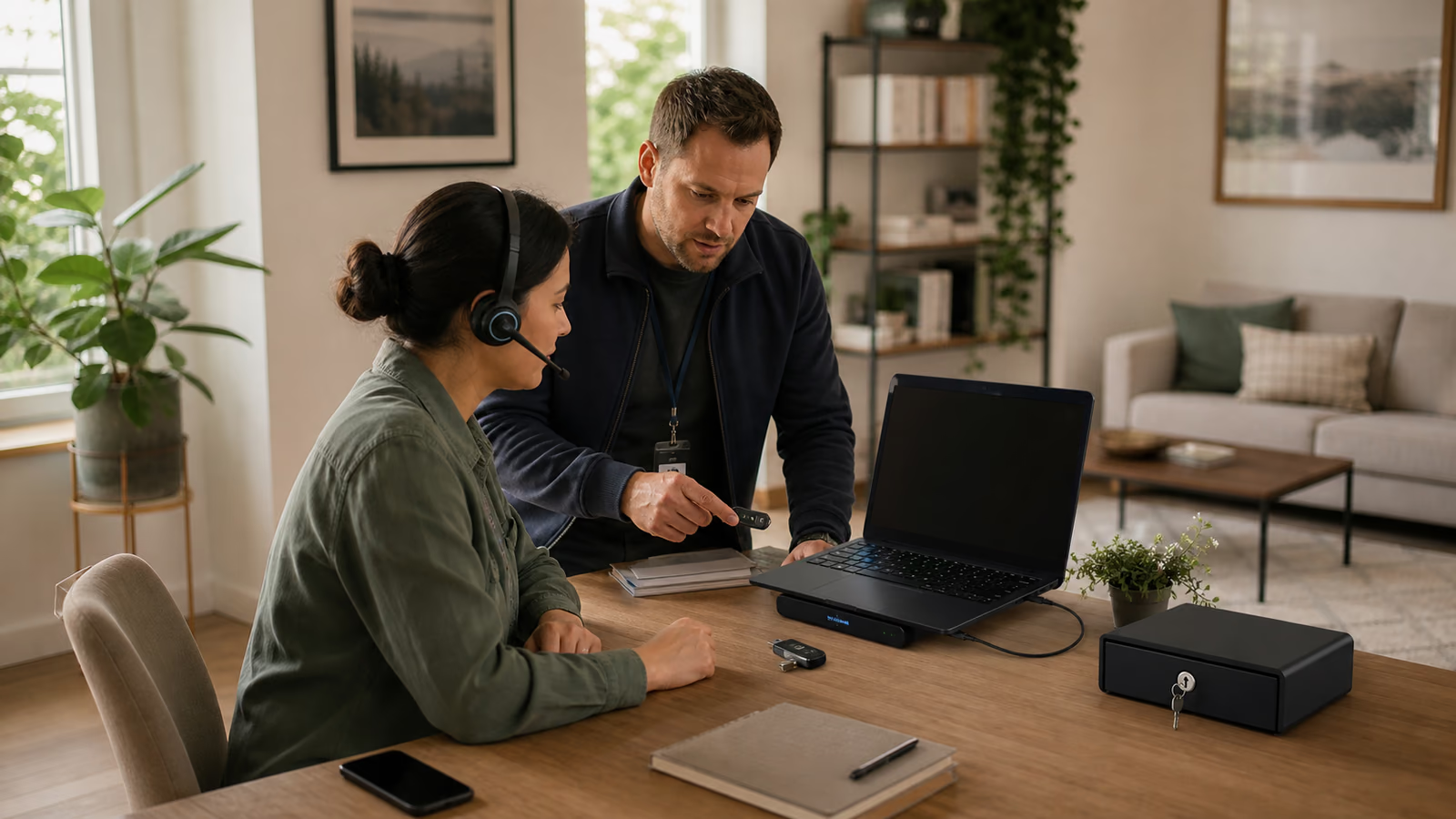
Equipment and access
We prepare computers, accounts and applications for people working outside the office. We configure agreed protections, check system access and help users get started. We also establish how faults and equipment returns are handled.
Trusted by








































An employee should know how to sign in to the applications they need, where to save files and whom to contact for help. We prepare the IT side of remote work to an agreed standard covering the device, accounts, software, data protection and getting-started instructions.
We can prepare existing equipment or help select new devices. Additional software and support are scoped before configuration starts.
TÜV NORD Polska has certified Virtline’s information security management system to PN-EN ISO/IEC 27001:2023-08. The published certificate states its scope and validity.
View Virtline’s certificateWe check the configuration on a selected setup before applying it to further employees. Users receive help getting started.
We list roles, applications, equipment and locations. We identify what is missing for daily work outside the office.
We agree configuration, permissions, data protection and support. Required purchases and exceptions are identified.
We prepare computers and accounts. With a selected user, we check sign-in, required applications and file access.
We hand over equipment, instructions and check results. We agree how staff changes, faults, lost devices and returns will be handled.
Practical scope
We hand over the workstation with the information needed to use it and provide ongoing support.
Required applications, settings, updates and protections. We describe checked elements and exceptions that need a business decision. We agree disk encryption and access to recovery keys, protection against malware and recurring backups of business data. Within that scope, we check the settings and perform a data-recovery trial.
Access to named systems and files according to the employee’s approved role. We check agreed sign-in and access-recovery methods.
An inventory of equipment handed over and the results of basic user-task checks. We agree how to record which items were assigned to each person.
Guidance on working with data, reporting faults and lost equipment. Your business has agreed procedures for account changes, device returns and access removal.
Your business decides whether employees may use personal devices and on what terms. We check the separation of business and private data and the scope of device management. Monitoring or data deletion must stay within the agreed scope. If suitable separation is not possible, we propose company equipment.
Yes, after reviewing their condition, operating system and application requirements. We identify usable devices and those needing repair, an upgrade or replacement. Purchases are agreed before work proceeds.
Some work can be done remotely if the device has a suitable connection and secure administration method. Operating-system installation, part replacement or initial preparation may need physical access. We establish this during planning.
They should use the agreed reporting channel. The procedure identifies the information needed and the people responsible for account and device action. Remote locking or deletion depends on prior configuration and device availability.
We agree the accounts and devices involved, who approves changes and when access should end. The business decides how work data is handed over. We then carry out agreed actions and document their scope.
Tell us the number of people, existing equipment and main applications. Explain whether you need new workstations or improvements to existing ones, and when they should be ready.
Discuss remote workstations