
01
Workstation inventory
We record user roles, applications and equipment. We assess which devices need replacement and where reconfiguration or an upgrade may be sufficient.
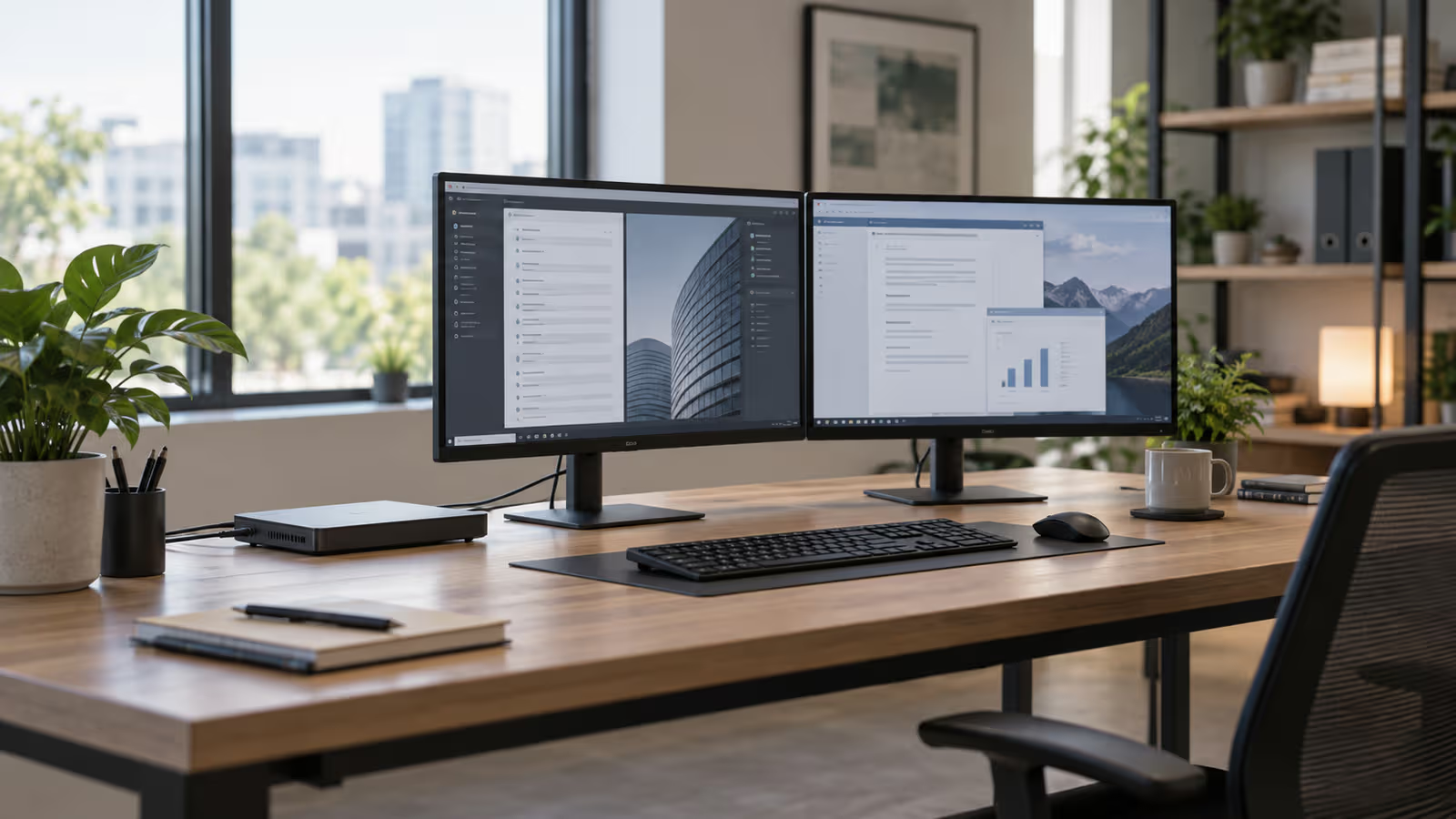
B2B equipment
We select and prepare computers for your business applications. We install the agreed software, transfer data and check each workstation before handing it over to an employee.
Trusted by








































Document work, customer service and large-file analysis have different requirements. We check your applications, the load on existing devices and connections to monitors, printers and the network. We help select a desktop or compact computer that suits the workstation and can be supported throughout its use. When supporting an existing device fleet, we also consider Dell OptiPlex and Vostro computers; new devices are selected for your applications, connections and agreed service arrangements.
We consider workstation equipment and the way people work together with the device itself. Explore the related services below.
TÜV NORD Polska has certified Virtline’s information security management system to PN-EN ISO/IEC 27001:2023-08. The published certificate states its scope and validity.
View Virtline’s certificateWe agree the timing and sequence so employees know when their workstation will be unavailable.
We record user roles, applications and equipment. We assess which devices need replacement and where reconfiguration or an upgrade may be sufficient.
We compare the required configurations, warranties and costs. We confirm supplier availability and the scope of installation and data transfer.
We install the agreed software and settings. For a larger replacement, we check the configuration on a selected workstation before preparing the remaining computers.
We check the user’s key tasks and record the handover. We agree what happens to the old equipment and how data remaining on it will be handled securely.
Practical scope
We agree the required tasks before work starts. Buying a device does not automatically include a complete deployment.
We check application requirements, memory, storage, connectivity and upgrade options. We agree equipment and warranty terms rather than selecting one configuration regardless of the employee’s work.
We prepare the operating system, updates, applications and user account. We configure the agreed protection, encryption and access to your network. Administrative privileges require agreement with your company.
We establish which files and settings must be moved and where they should be stored. Before the change, we check that data can be recovered. Specialist business applications may require their supplier’s involvement.
We check sign-in, email, applications, printing and the connections the user needs. We register the device and provide warranty, configuration and support-request information.
Slowdowns can originate in an application, network, disk or system configuration. We investigate the cause within the agreed scope before replacement. Warranty, repair and any replacement-device arrangements are confirmed in the quotation; not every warranty provides immediate repair.
Not necessarily. Common configurations simplify support, but they should fit groups of tasks. A document-processing workstation may have different requirements from a designer’s computer or one used for large-file analysis.
We can install the agreed system and applications and prepare settings. Some configuration requires access to your network or accounts; we arrange a secure way of providing that access.
Yes. We agree priorities based on failures, performance, manufacturer support and user needs. This allows purchasing and deployment work to be spread over time.
We can agree helpdesk and ongoing computer support, including operating hours, reporting channels, updates and warranty-service coordination. This coverage is not automatically included in a hardware purchase.
Tell us how many workstations you need, which applications employees use and what problems they have with current equipment. Include your preferred replacement date.
Ask about computers