
01
Working requirements
We establish users, applications, mobility and existing equipment. We ask about required connections to the company and problems with current devices.
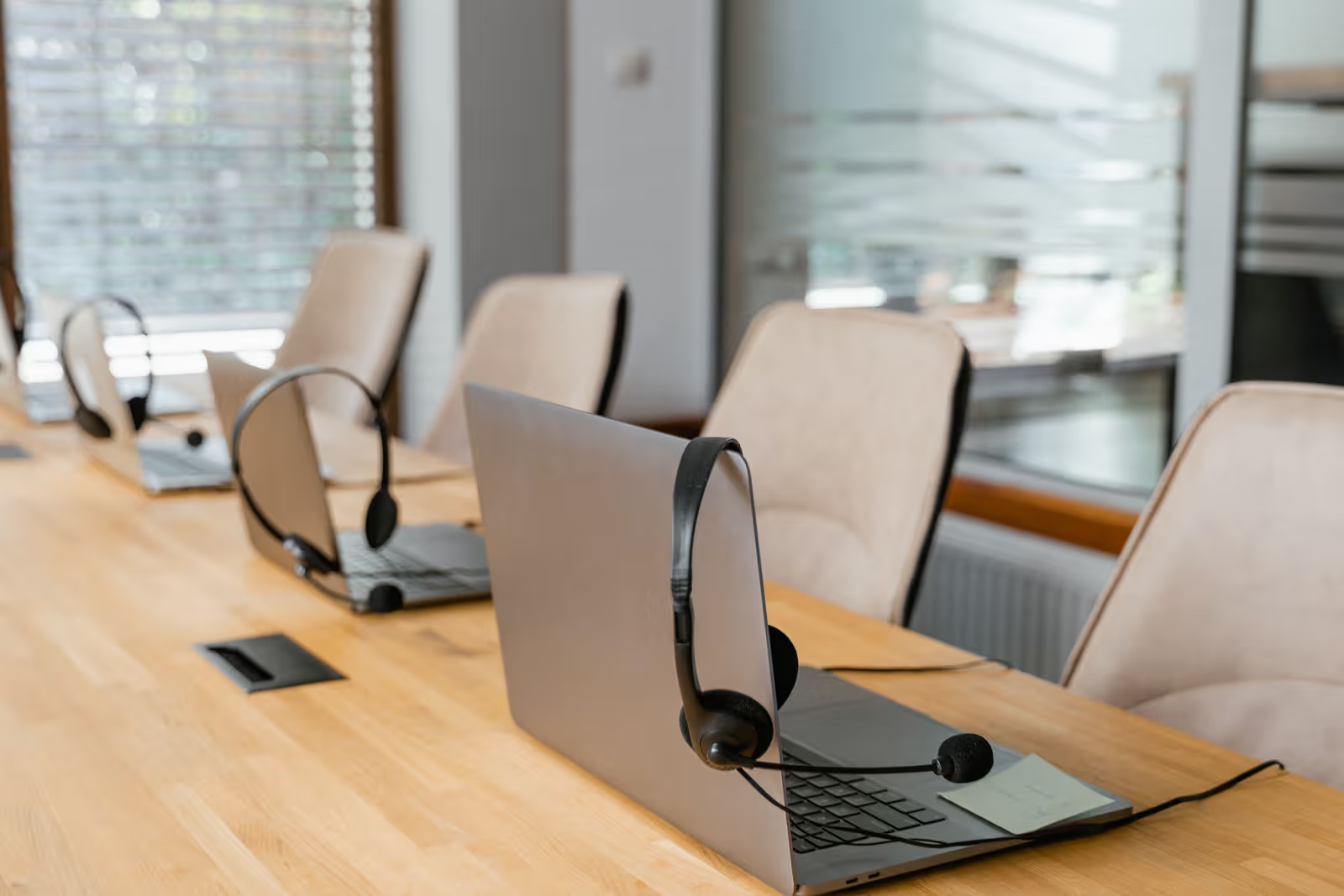
Mobile workstations
We select laptops for the office, home and travel. We prepare applications, access to company systems and data protection, and check docking and the accessories your employees need.
Trusted by








































Someone who travels regularly needs different equipment from an employee who mainly uses a monitor and docking station. We discuss applications, meetings, network access and the data carried on the device. Selection covers usability, technical requirements, repair arrangements and how company IT will prepare and support the laptop. For businesses using Dell Latitude or Vostro laptops, selection and replacement planning considers the specific devices, application requirements and available warranty terms. We check features and equipment compatibility against the chosen model’s documentation.
We plan a laptop together with data access and the devices it will connect to.
TÜV NORD Polska has certified Virtline’s information security management system to PN-EN ISO/IEC 27001:2023-08. The published certificate states its scope and validity.
View Virtline’s certificateWe check the employee’s complete working setup, not just whether the new laptop starts.
We establish users, applications, mobility and existing equipment. We ask about required connections to the company and problems with current devices.
We present the configuration, accessories and warranty option. We agree cost, availability, system preparation and the approach to transferring data.
We prepare the laptop and test required applications, docking and access from outside the office. For a larger batch, we trial the setup with selected users.
We hand over equipment, instructions and support contacts. We agree updates, lost-device procedures and the handling of faults and replacements.
Practical scope
The scope depends on your systems and how the employee works. We agree it before configuring the devices.
Selection of specifications, display, weight and required ports. We also check the charger, dock, monitors and meeting accessories. A stated battery-life figure does not replace an assessment of the user’s working conditions.
We set up accounts, updates, agreed encryption and system protection. We establish how recovery keys will be stored and how users will access company email, files and applications.
We check sign-in, access to company services and tasks performed outside the office network. We agree which data may be stored locally and how it will be recovered after a failure.
We register the device and assigned user. We provide instructions for getting help, reporting a lost laptop and using the warranty. Remote-locking options depend on management controls deployed in advance.
Disk encryption, account protection and data backups address different problems. We agree them together with a procedure for reporting a lost laptop. Remote erasure cannot be relied upon while a device remains offline; it does not replace safeguards put in place before issue.
It can cover the whole setup. We check ports, cables, video support and required power. A matching USB-C connector alone does not guarantee all the functions you need.
Yes, within the agreed scope and on supported devices. We also establish recovery-key storage and access permissions so the company can recover access after hardware changes or a fault.
We can transfer agreed files and settings and check access to business services. We first establish where the data is and whether a backup exists. Migrating a specialist application may require its supplier’s involvement.
Yes. We can agree user assistance, updates, inventory management and repair-service coordination. Support hours, management coverage and replacement-device availability require separate agreement.
Include user numbers, applications, working arrangements and existing monitors or docks. Tell us when the equipment is needed.
Ask about laptops