
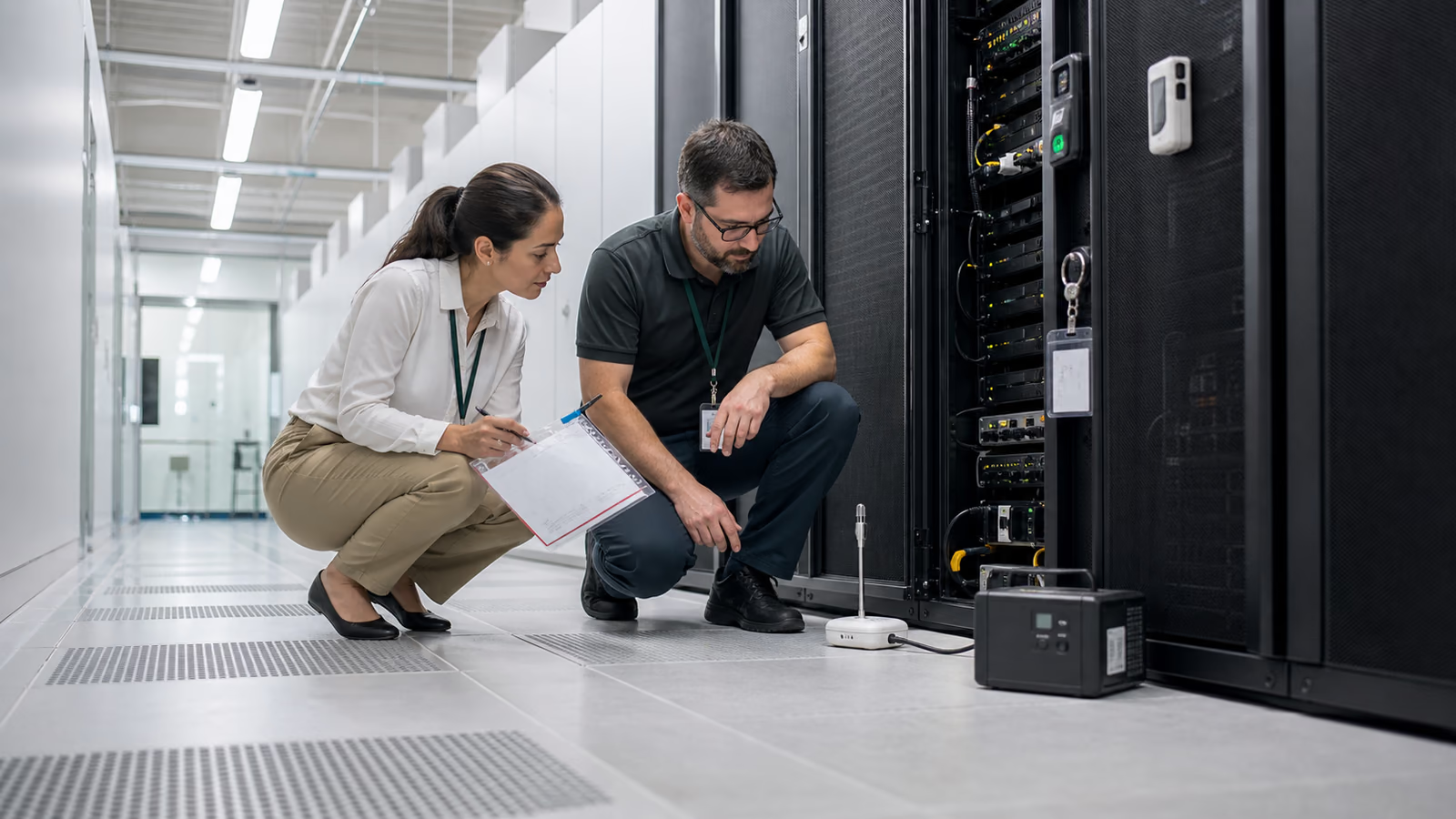
How do you build a secure server room for business IT?
A secure server room combines power resilience, cooling, access control, monitoring, backup and documented operating procedures. The goal is not only to place equipment in a room, but to keep critical IT services available, recoverable and controlled when power, heat, access or hardware problems appear.
What management needs to decide
Management should define required service availability, tolerable downtime, the redundancy budget and accountable owners for power, cooling, physical access and recovery.
What to check first
Start with power, cooling, physical access, fire protection, monitoring and the infrastructure recovery scenario.
Server-room security plan
A server-room review turns findings on power, cooling, access, fire protection, monitoring and recovery into a prioritised, auditable action plan.
What is a secure server room in an enterprise
A secure server room is a controlled place for maintaining critical services, not just a closed rack cabinet. Even if some services run in the cloud, the local infrastructure often supports the network, files, industry applications, monitoring, telephony, backups and Internet access. A power failure, overheating, accidental access to a cabinet or lack of documentation can stop a company's operations faster than an attack from the Internet.
Why is the server room a topic of data security?
A server-room failure can interrupt sales, accounting, production, customer service and communication. Protection extends beyond a locked rack: it includes ransomware-resistant backups, environmental monitoring, access control, dependency documentation and recovery tests. Records support customer requirements, audits, ISO 27001 and legal obligations under NIS2 or DORA where these apply to the organisation.
A secure server room is not only for large enterprises
A small and medium-sized company also needs rules for the server room if there are files, domains, industry-specific applications, routers, monitoring, telephony or backup repositories running locally. The scale may be smaller than in a data centre, but the requirements are similar: known dependencies, controlled access, alarms, up-to-date documentation, copies outside the same risk zone and a test of the contingency plan. The lack of these elements means that even a minor failure can stop your business for hours. Therefore, it is worth treating the server room as a business service: with an owner, availability metrics, reviews and evidence of tests performed.
Monitoring and response to alerts
Digital solutions in the server room today mean monitoring, alerts, remote administrative access, virtualisation, automatic backup reports and central logs. These tools are only useful if they have someone responsible for responding and are tested. A temperature alert, backup failure or UPS warning should lead to a specific procedure rather than just another notification ignored in the panel.
Typical problems in company server rooms
The greatest risks often arise during day-to-day operations: someone adds a device without updating the documentation, changes a patch cord, moves a backup or connects a new power strip without measuring the load. The risk usually comes not from one component, but from the absence of a single owner for the infrastructure as a whole. A power failure, overheating or a failed backup is enough to disrupt business continuity.
Backup in the same risk zone
Backups in the same failure zone as production may be lost in the same fire, flood or ransomware incident. Test recovery and agree recovery-time and data-loss limits for critical systems.
No monitoring of conditions
Without temperature, power and physical access monitoring, a problem may be noticed only after an outage. Alerts need a named recipient and response process; sensors without alert handling are insufficient.
No dependency documentation
It is unclear which machines, networks and services must be restored first.
IT outsourcing
Ongoing service maintains documentation, reviews and response to failures.
Plan to improve server room security
The inventory links racks, power, UPS, cooling, access, network, storage and backup to the business services that depend on them. That produces immediate actions, measurable recovery tests and investment needs supported by outage impact rather than equipment age alone.
Investment priorities and operational decisions
Not every company needs a full-fledged data centre. However, a clear answer is needed as to which services are critical, how long they may be unavailable and what evidence exists that the infrastructure is under control. The review should end with a list of activities that can be undertaken without a multi-month project and an indication of investments that cannot be postponed without risk. Only then is it worth investing in larger infrastructure changes. It is best to improve a server room with the facts: what works, what it depends on, how it is powered and how quickly the service can be restored after a failure.
- Prioritise critical services with expected recovery time and tolerable data loss.
- Check UPS, cooling, sensors and access control against real operational risks.
- Align backup targets, offsite copies and recovery tests with RTO/RPO.
- Document network, storage and virtualisation dependencies.
- Phase investments according to risk, outage impact and feasibility, with a clear delivery schedule.
- Plan a risk-based emergency and recovery test within an agreed scope that is safe for production. Repeat service and business-owner communication tests after significant changes.
- Ongoing control: a schedule for UPS tests, backups, sensor checks, access reviews and documentation updates after changes.
- Evidence for management: list of critical systems, expected RTO/RPO, single point of failure risks and investment recommendations.
Evidence of server room inspection
A secure server room should have technical and operational documentation that helps you operate under stress. When a failure occurs, no one should have to guess which device is powering a critical service or where the last good copy is. A server room review should leave behind documents and decisions that help you operate during a disaster, audit, or budget planning for infrastructure modernisation.
- an up-to-date inventory of devices, ports, power, service dependencies and backup locations
- reports on temperature monitoring, UPS, resource utilisation, backup and service availability
- register of entries, service work, cabling changes and exceptions to access rules
- recovery test results and procedures for restarting services after a power or hardware failure
When the server room requires an urgent inspection
A red flag is when a company knows that the server room is operational, but cannot quickly show documentation, tests, alerts and responsibility for a critical service.
Services that reduce server room risk
It is worth combining the overview of the server room with a list of critical systems, network dependencies, UPS, backup and monitoring test results. Then investment decisions result from the risk of downtime, and not from the age of the equipment itself. The shortest path to decisions is a service map, expected RTO/RPO, single point of failure risks, and a list of activities that can be closed before major modernisation.
Backup and data recovery
Recovery testing, retention, out-of-risk backups and RTO/RPO plan for critical services.
IT monitoring
Alerts on temperature, capacity, availability of services, network equipment and server systems.
IT outsourcing
Periodic reviews, documentation, updates, failure handling and infrastructure risk reporting.
Scope of a secure server-room review
The server room requires checking the physical and logical layers. A rack alone is not enough if there is no backup power, temperature monitoring, access control, cable documentation, and data recovery testing.
- physical access, entry register, administrative roles and service work procedure
- UPS, power, cooling, humidity, temperature monitoring and alerts
- backup, RPO/RTO, recovery test, off-site backups and emergency procedures
- documentation of devices, cables, configurations, licences, warranties and critical points
Measurable outcome: secure server-room UPS, monitoring and backup
Server room controls reduce downtime, protect local data and give management a clear view of what must be funded, accepted or moved to a more resilient model.
Continuity risk
Connect devices and services with downtime impact, owners and recovery priorities.
Operational visibility
See power, temperature, backup and service alerts before they become an outage.
Maintenance model
Assign recurring checks, documentation updates and response ownership.
Contact the server-room review team
Prepare the critical-service list, rack and device inventory, power and cooling layout, UPS runtime, access arrangements, recent alerts and recovery-test results. We will use these to decide whether to start with an inspection, load measurements, emergency-procedure testing or a modernisation project.
- phone +48 12 200 27 10 to set priorities
- result of the discussion: list of data to be collected, time-bound priorities and scope of the review
- evidence for management: risks, downtime costs, decision owners and recommended actions
Data-centre operations experience
Experience across managed IT, cybersecurity, audits, infrastructure, cloud, backup and business continuity.
Recommendations grounded in operations
Recommendations are shaped by real environments, users, suppliers, budgets, incidents and operational constraints.
Plan the next technical step
Describe the business issue and Virtline will indicate whether to start with an audit, implementation or support model.







































