
01
Agreeing coverage
We list systems, data, current backups and retention needs. Recovery priorities and the people responsible for applications and backups are agreed.
Backup and data recovery
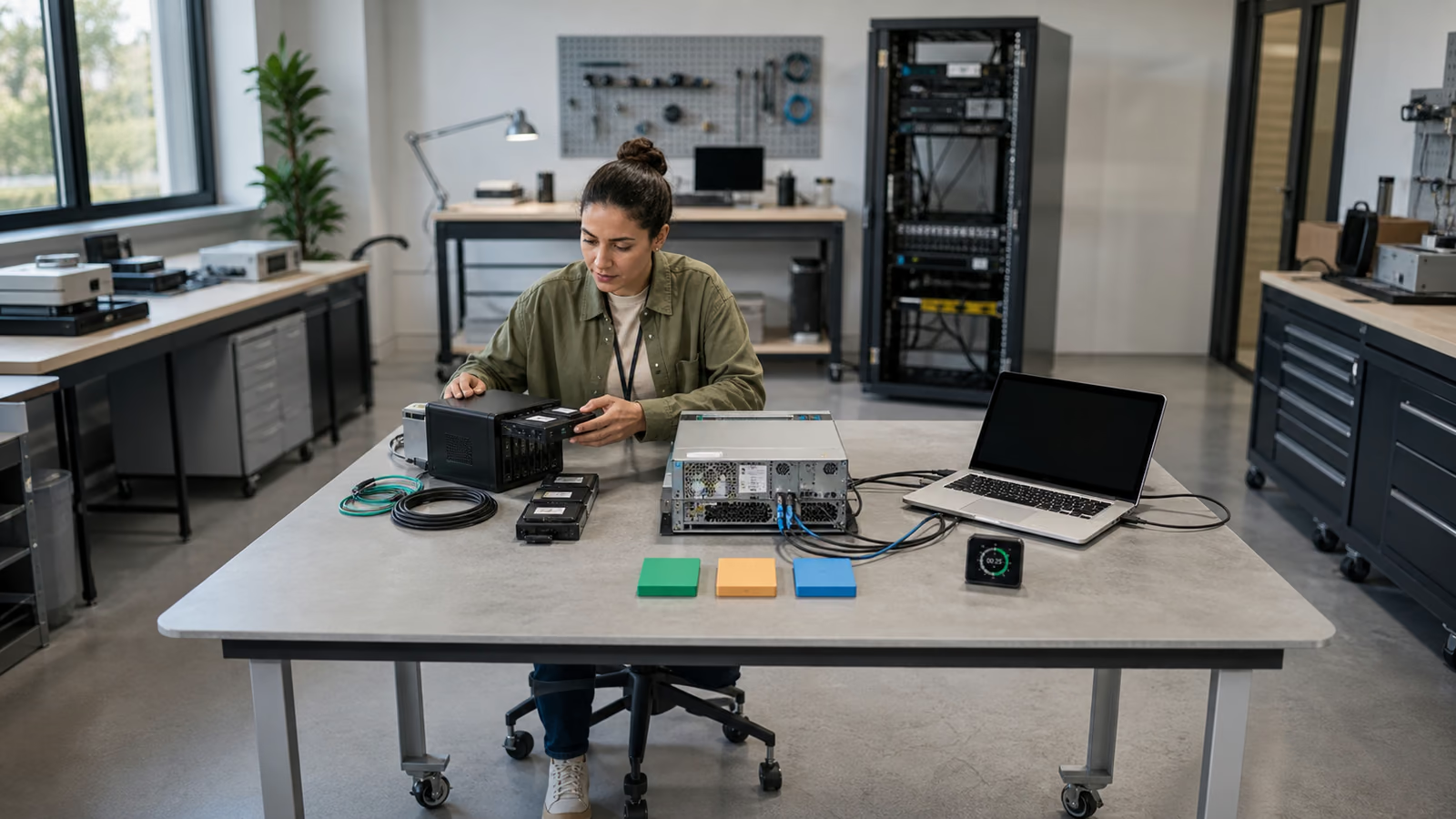
We deploy and organise backups for servers, databases, files and selected cloud services. We configure jobs, storage locations and notifications, test restoration and agree who should respond to errors.
Trusted by








































A new server, an additional database or an administrator account change may require backup jobs to be updated. We help organise coverage, schedules and responsibility for daily checks. We agree where copies are stored, how long they are kept and how to spot missing or failed jobs. Data recovery is planned separately: a successful backup status is not a substitute for a restore test.
We connect backups with application needs and ongoing operations. Additional work is included only within an agreed scope.
TÜV NORD Polska has certified Virtline’s information security management system to PN-EN ISO/IEC 27001:2023-08. The published certificate states its scope and validity.
View Virtline’s certificateWe select the tool after establishing the data, recovery needs and how the system will be operated.
We list systems, data, current backups and retention needs. Recovery priorities and the people responsible for applications and backups are agreed.
We select the platform, capacity, backup locations and access arrangements. We check application compatibility, licences, connection limitations and storage and recovery costs.
We set up jobs and notifications, check backups and the agreed restoration method, and record results and issues requiring correction before acceptance.
We provide instructions and configuration details. We agree error handling, onboarding of new systems, capacity reviews and further tests, dividing responsibilities between teams.
Practical scope
At acceptance, we check the agreed scope and show how to operate the jobs and report problems.
Configured backups for the agreed systems, with frequency and retention periods. We document exclusions, application dependencies and how new data is added to backup coverage.
Agreed local or off-site backup locations, administrator accounts, encryption and access separation. Protection against changes or deletion is configured where supported by the selected solution.
Error and capacity notifications with named recipients. We perform the agreed data recovery test and document its outcome. A green job status is not treated as proof that the complete service can be restored.
Configuration details, job checks, restoration and handling exceptions. We agree change procedures, reviews and repeat tests. Ongoing operation by Virtline requires a defined scope and support hours.
Options include Veeam, NetBackup (Cohesity, formerly Veritas), Commvault, Rubrik, Azure Backup, AWS Backup, restic, BorgBackup and Bacula. We verify the version, integrations and licences for the agreed machines, databases, endpoints or SaaS services. This service configures and checks backup jobs; wider disaster recovery planning is agreed separately.
Yes, after checking the platform, access, licences and configuration. We agree what support covers, which errors are already known and which changes or tests are needed before taking responsibility.
That depends on recovery needs. We compare retrieval time and cost, connection availability, data location and account protection. The design may use several locations; storage price alone does not determine the model.
We can agree that scope. We check the specific services and data types, permissions, tool and restoration limitations. These findings determine what will be backed up and how recovery will be tested.
Before launch, we identify alert recipients and the people responsible for responding. We can agree operation by Virtline or hand it to your team. Support hours and response times are recorded in the agreement.
Tell us the current tool, important systems and the issue: missing backups, failed jobs, capacity or a planned deployment. An approximate data volume is sufficient to start. Do not send passwords or backup contents through the form.
Discuss backup deployment