
01
Review the data
We inventory shares, data volumes, applications and users. We establish access problems, retention requirements and acceptable downtime.
Company files
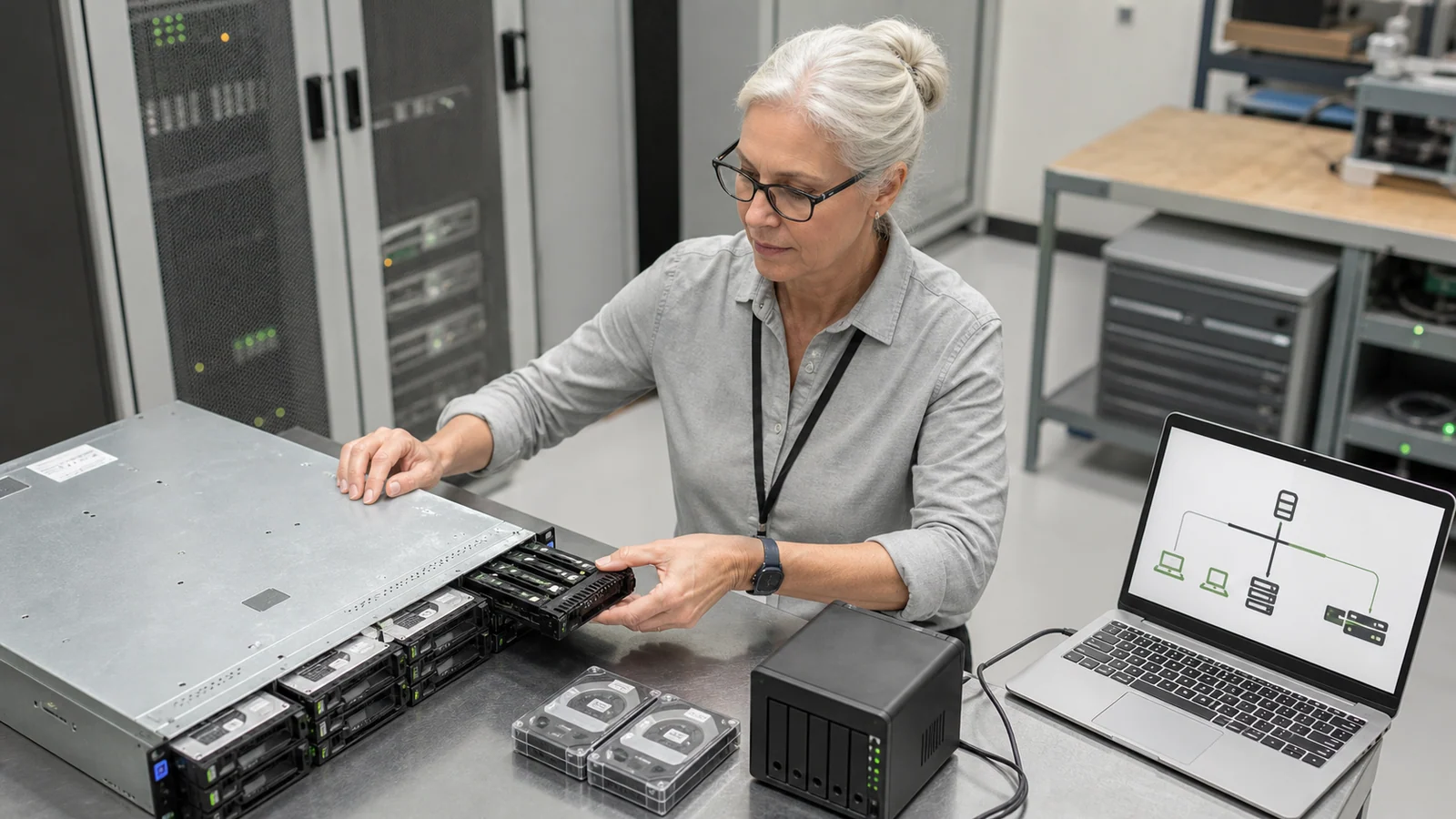
We organise company file storage and employee access. We deploy Windows File Server, Samba or NAS, migrate agreed data and test permissions and backup recovery. Together, we define who approves access and takes responsibility for ongoing support.
Trusted by








































When documents are scattered, it is difficult to identify current versions and permissions. We start with data and team workflows, then select a local server, NAS or cloud solution. SMB and NFS file-sharing protocols are matched to applications and devices. A common access path (DFS Namespaces) and data replication (such as DFS Replication) are separate mechanisms. High availability and cloud synchronisation are assessed separately. Capabilities and licences are checked for the selected solution; synchronisation does not replace backups.
Folder access, backups and maintenance need to work together. We agree the necessary services and responsibility for each area.
TÜV NORD Polska has certified Virtline’s information security management system to PN-EN ISO/IEC 27001:2023-08. The published certificate states its scope and validity.
View Virtline’s certificateWe prepare the change with the people who use the data. A pilot and permission checks precede the move for other users.
We inventory shares, data volumes, applications and users. We establish access problems, retention requirements and acceptable downtime.
We choose the platform, capacity and access groups. We prepare destination folders, backups, monitoring and the migration method.
We move agreed resources in stages. We check files, permissions and applications, then switch users at the agreed time.
We confirm access and test recovery. We hand over documentation, exceptions and arrangements for subsequent changes, reviews and support.
Practical scope
We hand over working shares and the information needed to maintain them. Acceptance covers data, access and recovery, not just installation.
Agreed shares, names and data owners. We document rules for new folders, archiving and checking available capacity.
Groups and access levels confirmed with data owners. Tests cover permitted actions and refusal of access to unauthorised users. We agree encryption in transit and at rest, access to recovery keys, and logging of file operations. The company’s needs determine what is recorded, who can access the records and how long they are retained.
A record of migrated resources, exceptions and user tests. We agree when to stop writes to the old server so that two conflicting versions do not develop.
Backup settings and the result of the agreed recovery test. Instructions cover granting access, reporting faults and responding to low capacity or backup failures.
Disk failure is only one way files can be lost. Deletion or encryption can also affect synchronised resources. We therefore define backups, their separation, retention and recovery tests separately. Installing a NAS alone does not establish protection against ransomware.
We first review them with the data owners. Agreed permissions are migrated and tested; errors and accidental exceptions are not copied automatically. Changes require approval.
We compare data volumes, applications, working practices, account integration, backups and support capabilities. Employee numbers or hardware price alone do not determine the platform.
That depends on your applications and working practices. We check network-share requirements, file sizes, synchronisation and external collaboration. Resources can be divided between a local server and Microsoft 365.
Yes, once an agreed access method, such as VPN or a cloud service, has been prepared. We check authentication, devices and permissions. We do not expose SMB shares directly to the public Internet.
Tell us the data volume, user count and current solution. Describe access problems, backups and applications using shared folders. Do not send confidential files or passwords.
Discuss file storage